

Calls, meetings and times on tasks
Updated November 13, 2026
Give a task a type and a time, so your day is planned to the minute.
Steps
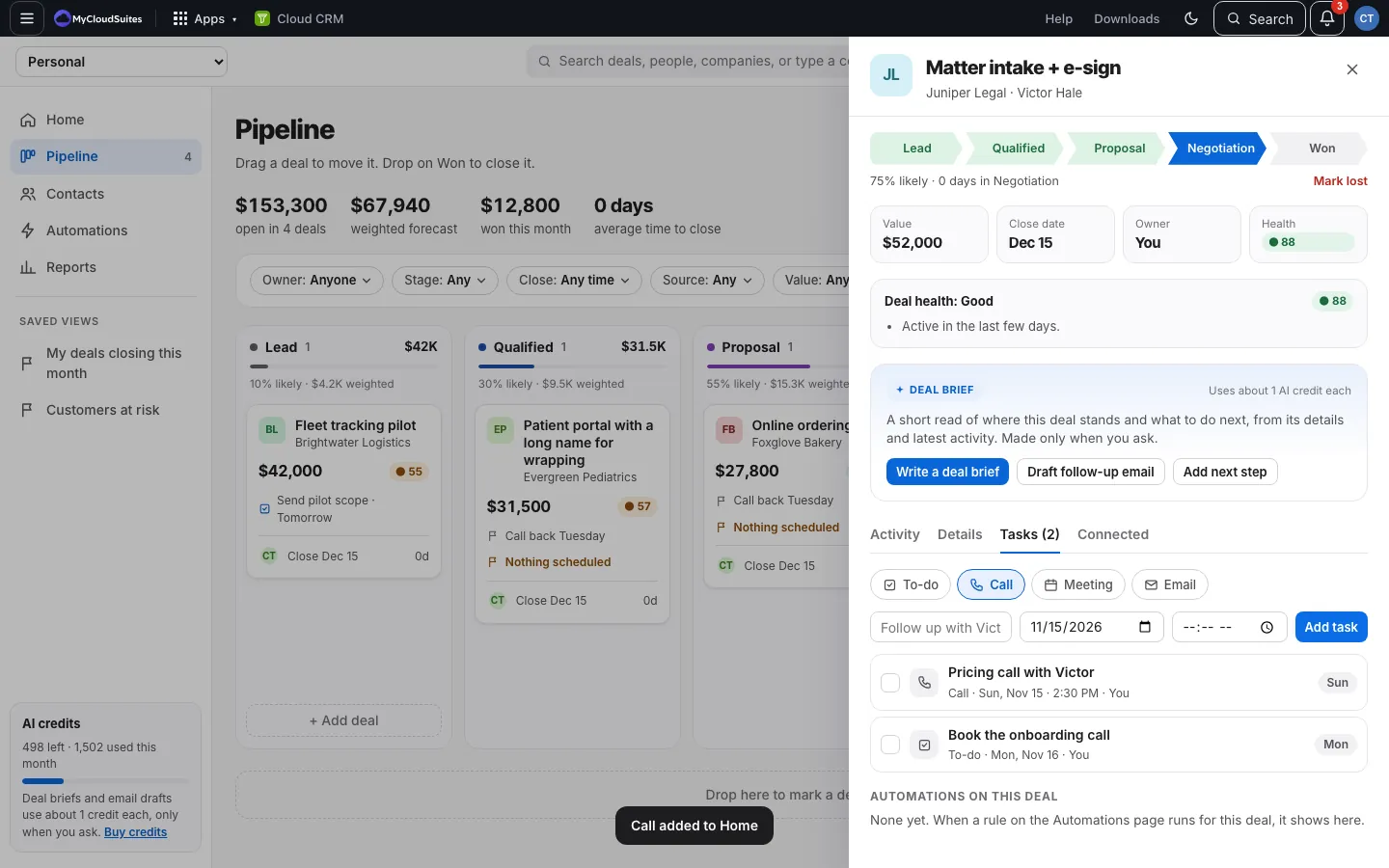
- Open a deal and choose the Tasks tab.
- Pick the type: To-do, Call, Meeting or Email.
- Type the task, pick the day, and pick a time if it has one.
- Choose Add task. It says, for example, Call added to Home.
How it works
- The deal’s task list shows the type, day and time, like “Call · Fri, Nov 15 · 2:30 PM”.
- Home shows the time next to when it’s due.
- A time needs a day. Clearing the day clears the time.