Download PDF Studio
One free installer with PDF Studio and Documents. It checks for updates by itself.
You'll sign in or create a free account first, so we can let you know about updates.
Other ways to use it
macOS
Coming soon, for Apple silicon and Intel Macs.
In your browser
PDF Studio and Documents online, nothing to install. Coming soon.
System requirements
- Windows
- Windows 10 or 11, 64-bit
- Disk space
- 1 GB free
- Memory
- 4 GB
- Internet
- Opening, editing, signing and saving work offline. The internet is used for things like updates, extra OCR languages, the optional AI assistant, timestamping a signature and making a PDF from a web page.
Installing
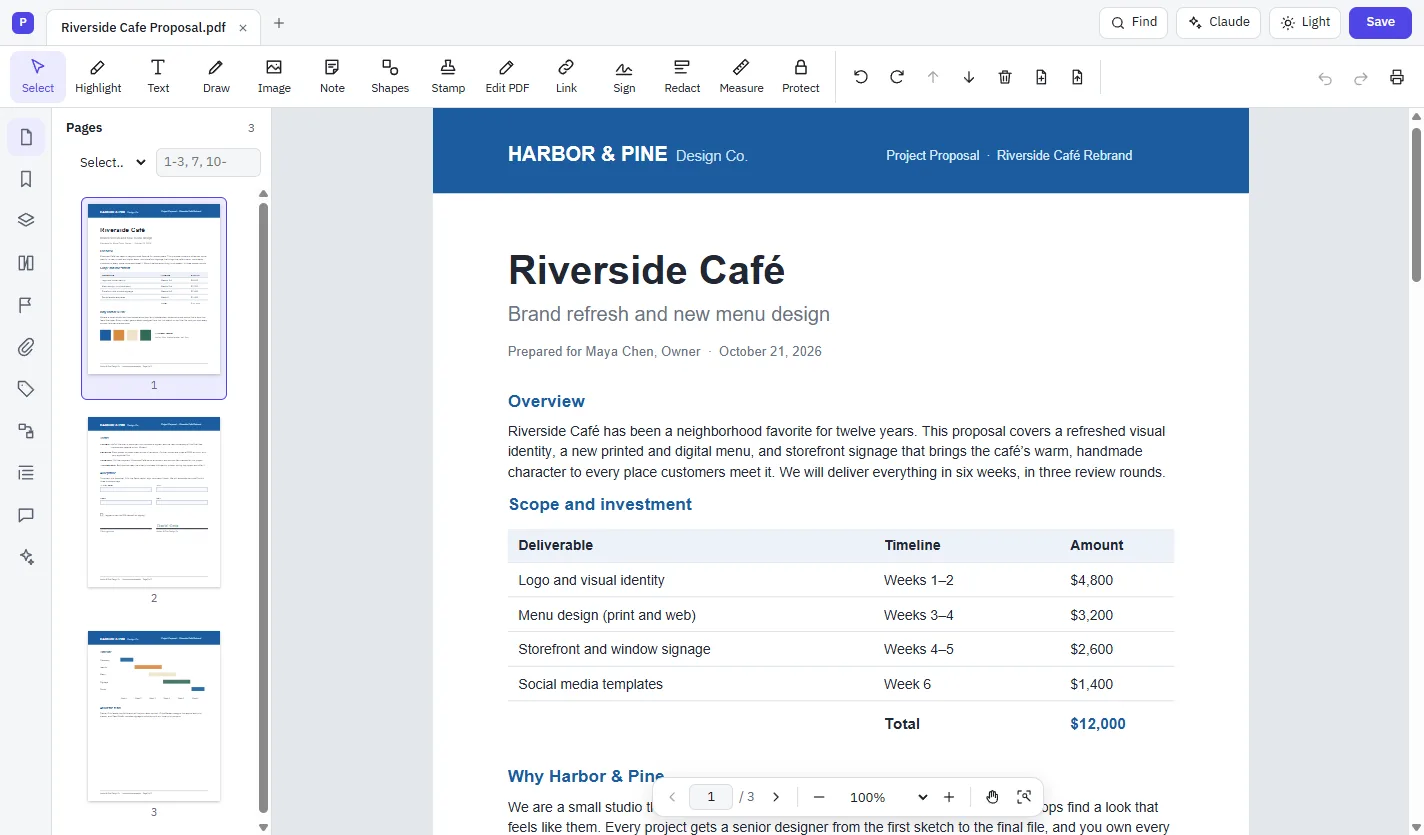
- Open the installer you downloaded, for example
pdf-studio-1.0.0-setup.exe. - It installs by itself and opens PDF Studio when it's done. It also adds PDF Studio to the Start menu and your desktop.
- Optionally make PDF Studio your default PDF app from the bar at the top of its window.