

See which deals have nothing scheduled
Updated November 13, 2026
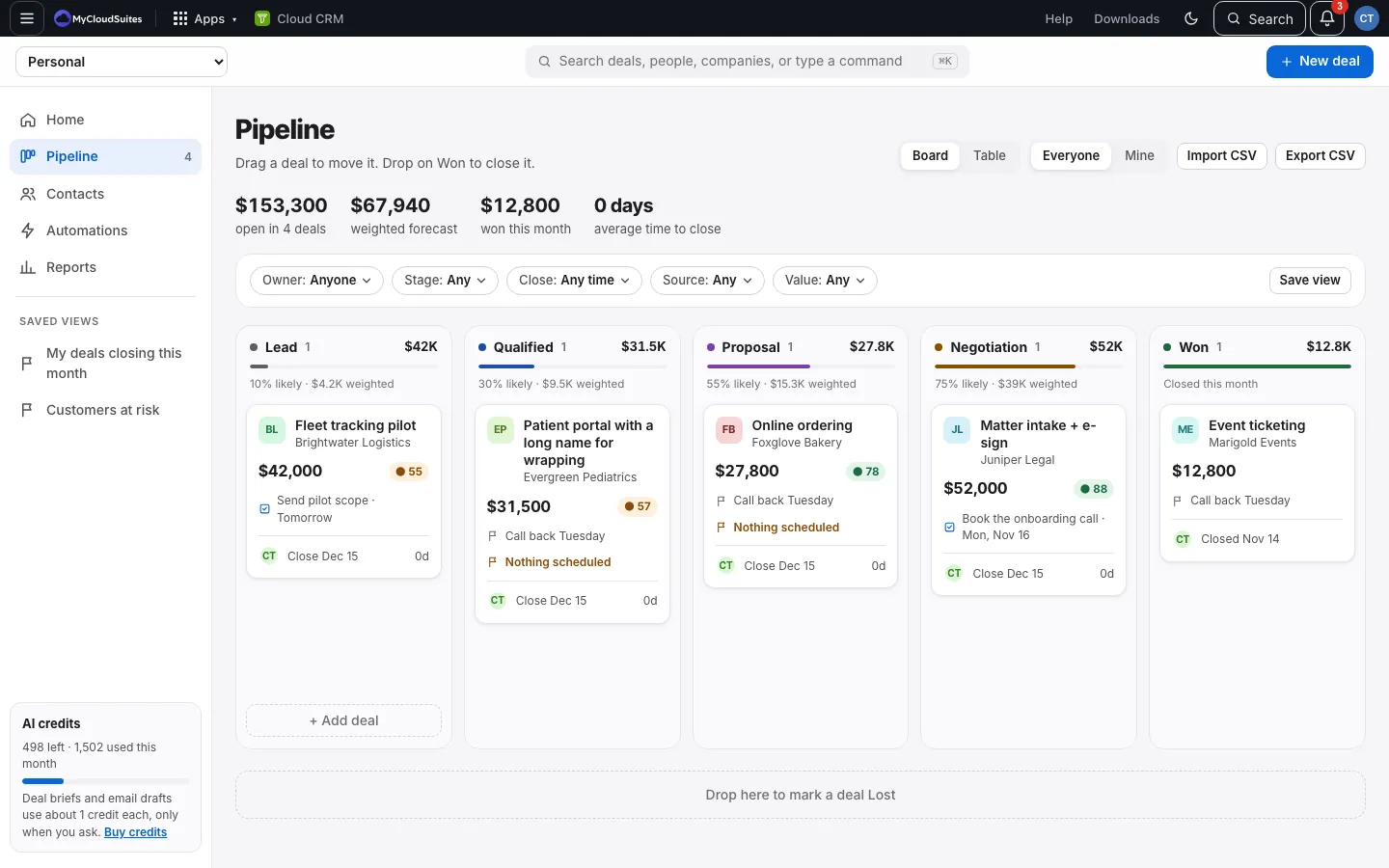
Every open deal should have a next step. The board shows which ones don’t.
How it works
- Each card on the pipeline board shows the deal’s next task, with its type and when, like “Pricing call · Sun, Nov 15 · 2:30 PM”.
- An open deal with no task coming up says Nothing scheduled in amber.
- Won and lost deals don’t get the flag.
Fix it
Open the deal, choose Add next step, and add a task. See Calls, meetings and times on tasks.