

Convert PDF to Word, free
Turn a PDF into an editable Word document (.docx), then open it in Cloud Docs, the Word-compatible editor that comes with Cloud PDF. Your file never leaves your computer.
PDF to Word is in the desktop app. Needs a free account to download.
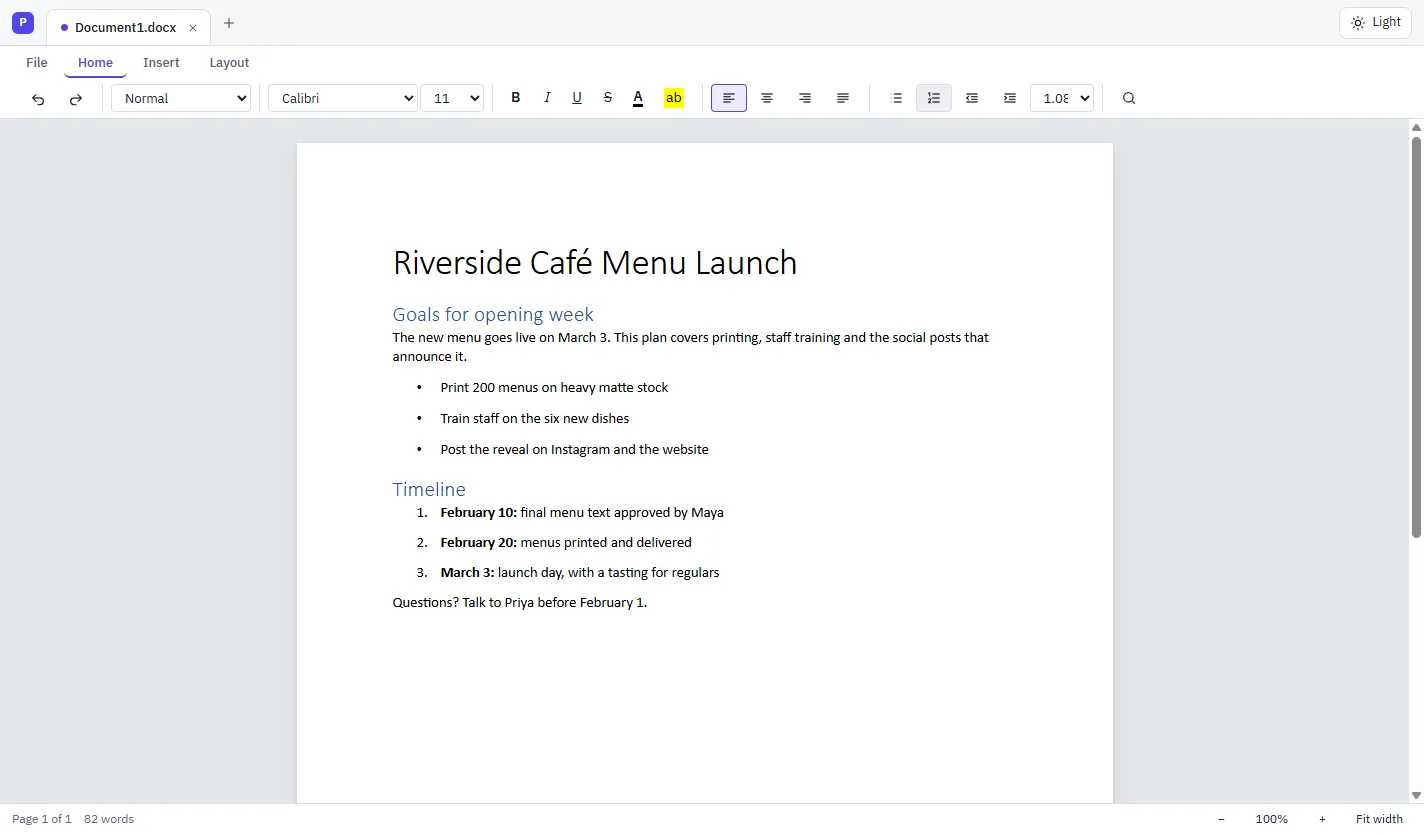
How to convert a PDF to Word
Open the PDF
Open it in the Cloud PDF desktop app with File › Open…
Export it
Choose File › Export To › Word Document…
Save the .docx
Choose where to save it. The PDF itself isn't changed.
Edit it
Open the .docx in Cloud Docs, or in Microsoft Word.
What you need
Cloud PDF converts to Word with an office suite already on your computer, so the result is laid out the way Word expects.
- On Windows: Microsoft Word, if you have it, or the free LibreOffice
- On a Mac: the free LibreOffice
- If neither is installed, Cloud PDF tells you and points you to LibreOffice
- Rich Text Format (.rtf) works the same way
Other formats, built in
These don't need anything else installed.
- PDF to Excel and PDF to PowerPoint, in the browser too
- PDF to JPG, PNG and TIFF images
- PDF to HTML, XML and plain text
- Make a scan searchable first with Recognize Text (OCR)
Questions
Is converting PDF to Word free?
Yes. Cloud PDF is free. If you don't have Microsoft Word, LibreOffice is free too.
Can I convert PDF to Word online?
Not yet. A browser can't run Word or LibreOffice, so PDF to Word is in the desktop app for Windows and Mac. PDF to Excel and PDF to PowerPoint do work online.
Is my PDF uploaded to convert it?
No. The conversion runs on your own computer, with Word or LibreOffice. Nothing is sent to MyCloudSuites.
Can I convert a scanned PDF to Word?
Run Recognize Text (OCR) on it first, so the scan has real text, then export it to Word.
Can I go the other way, Word to PDF?
Yes. Open the Word file in Cloud PDF's desktop app and save it as a PDF, or combine several Office files into one PDF.
More free PDF tools
Turn your PDF into a Word document.
Download Cloud PDF free for Windows and Mac.