What is Cloud PDF?
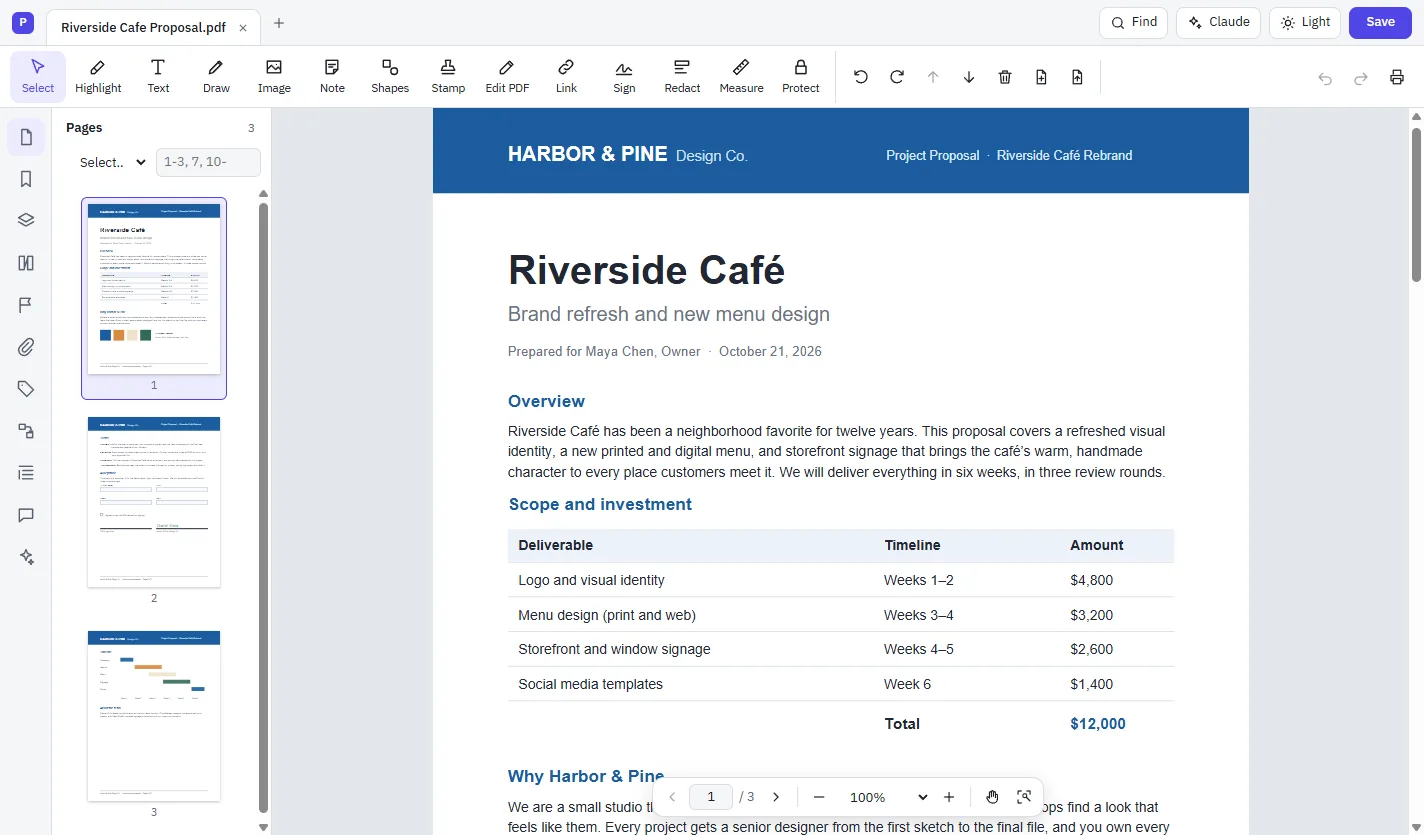
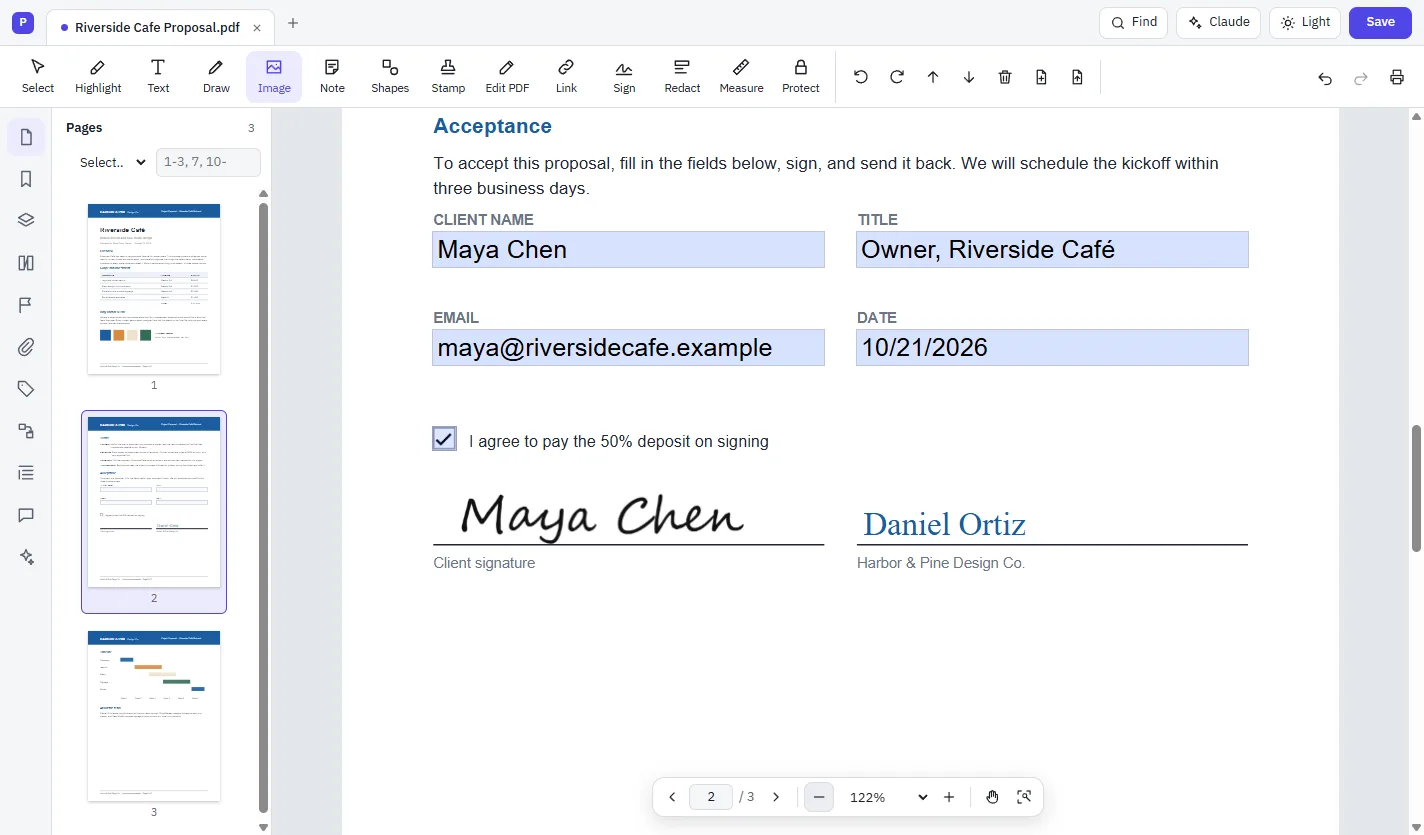
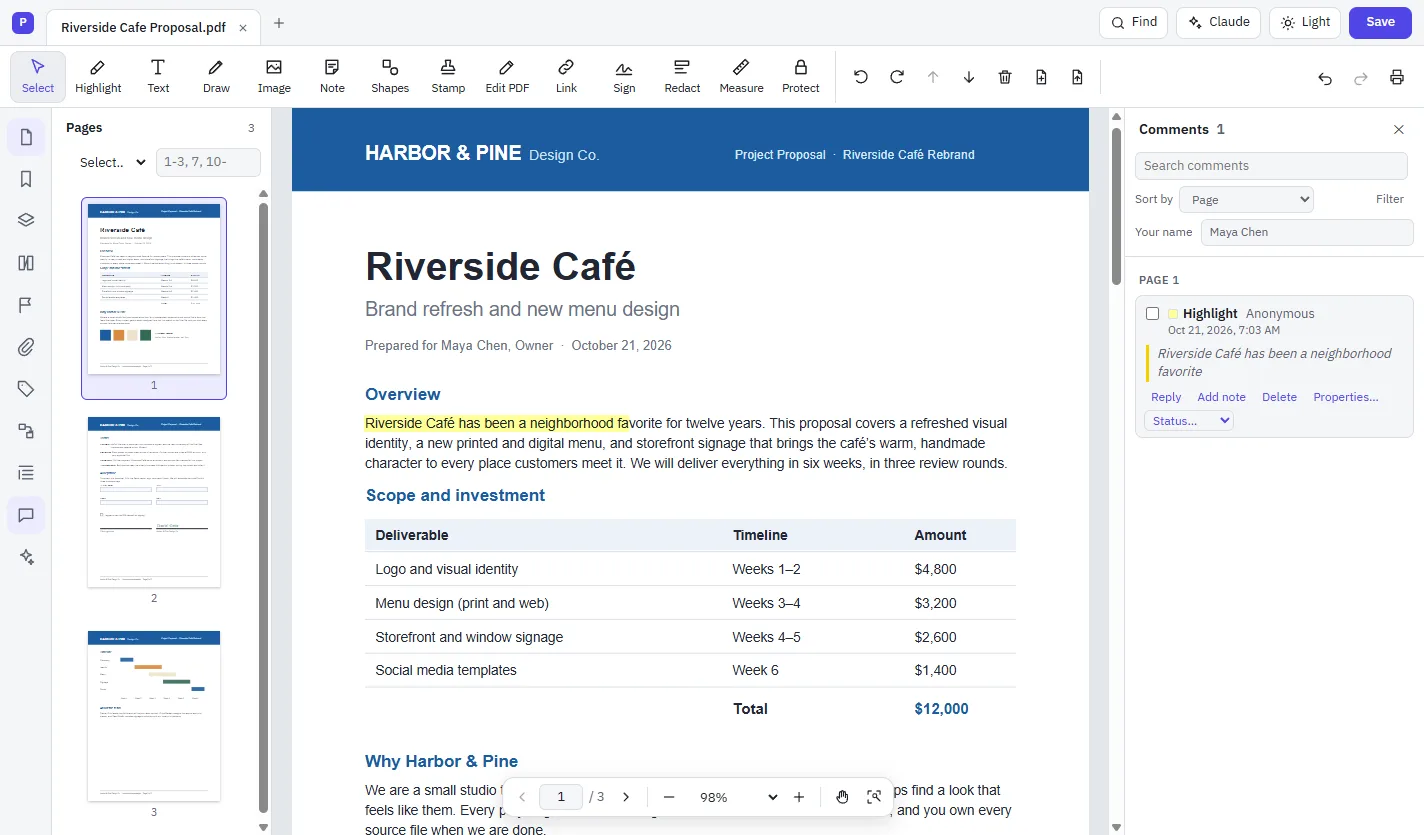
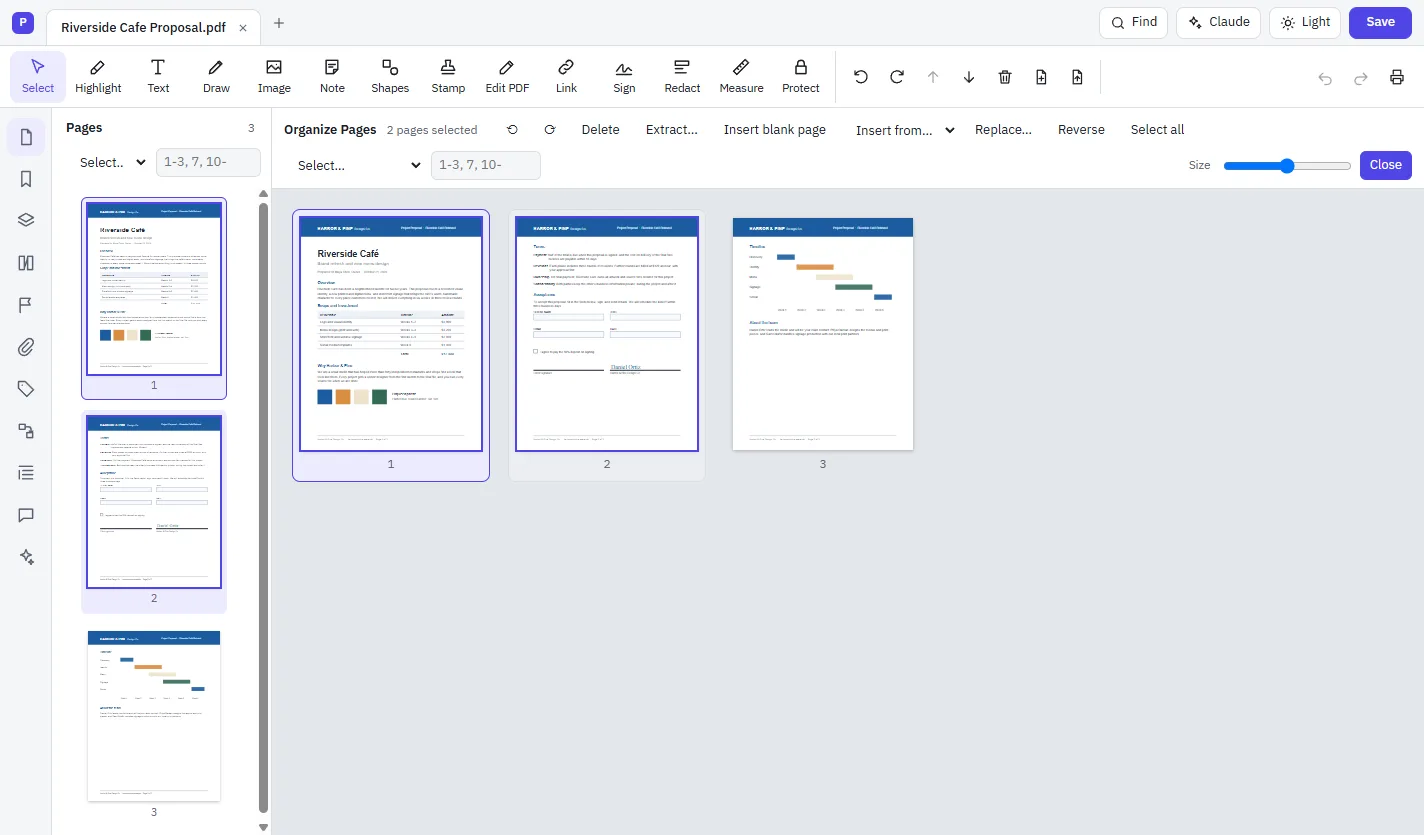
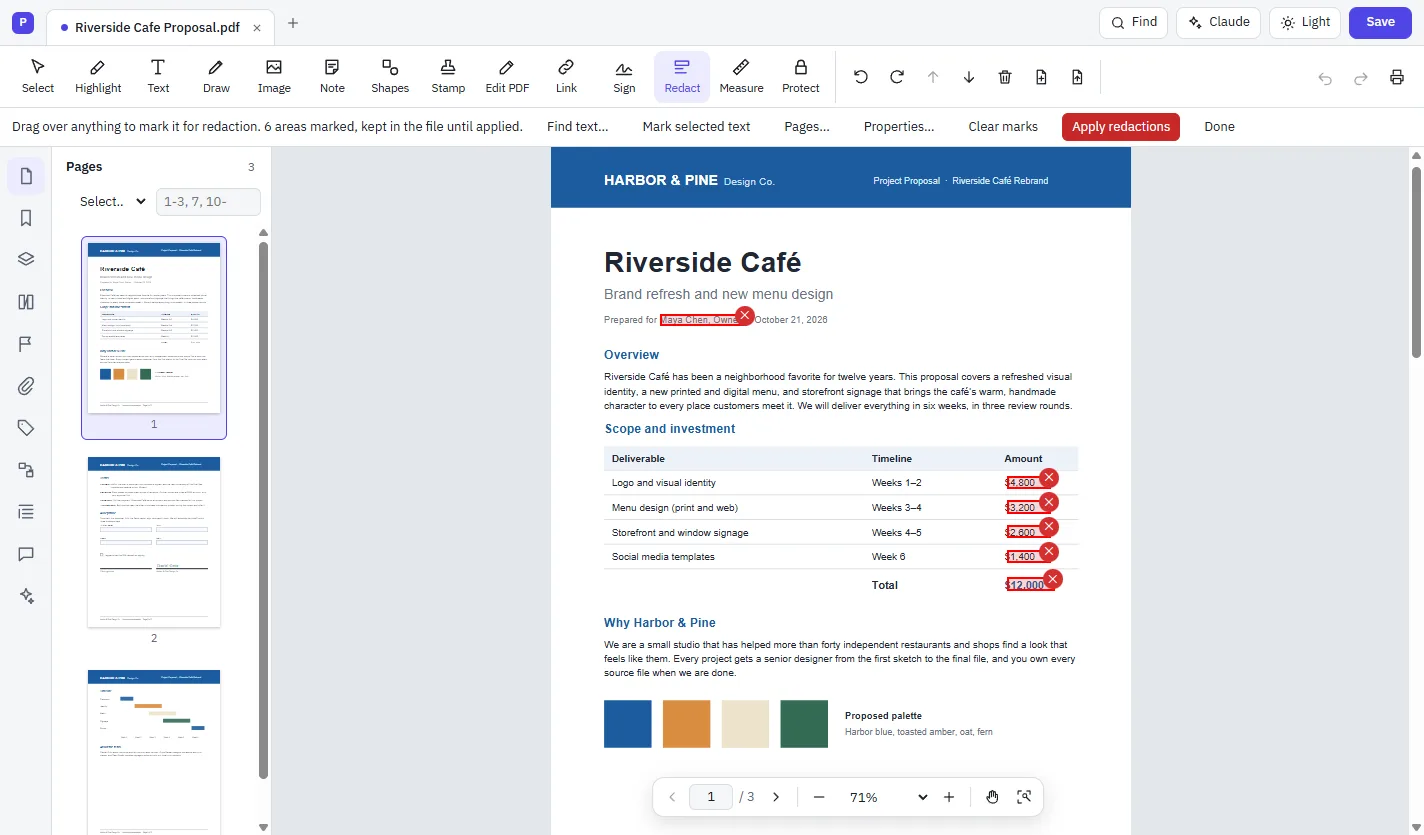
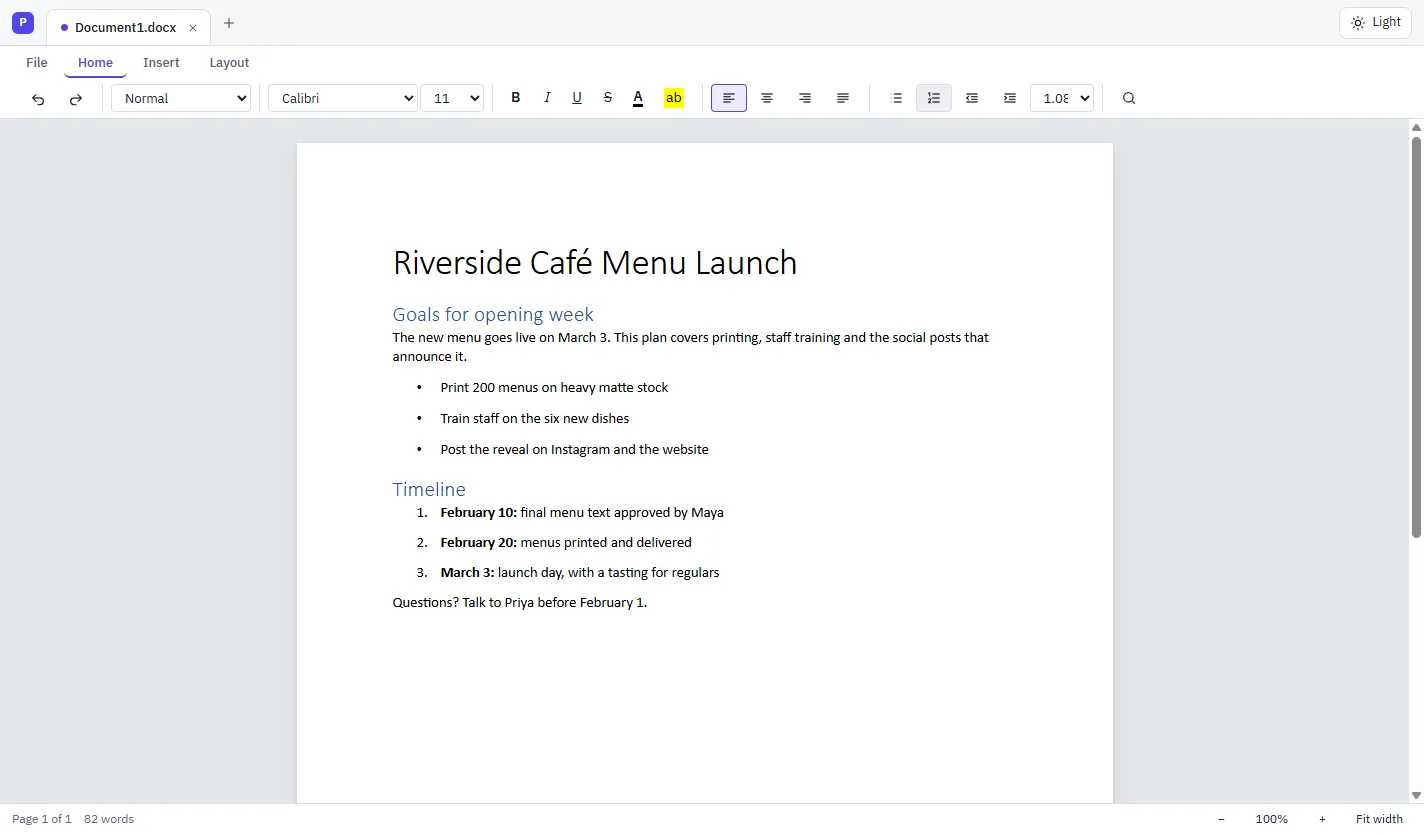
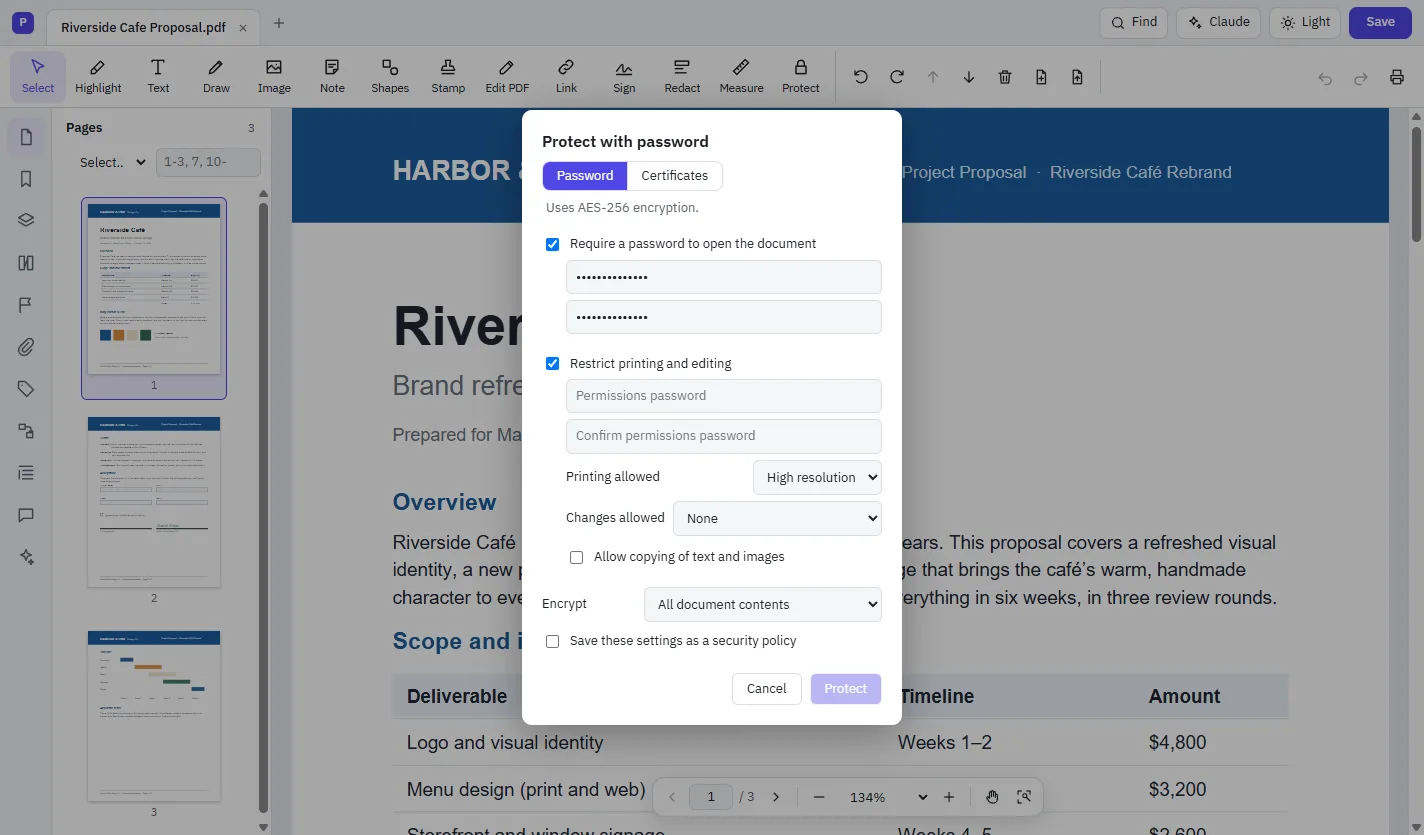
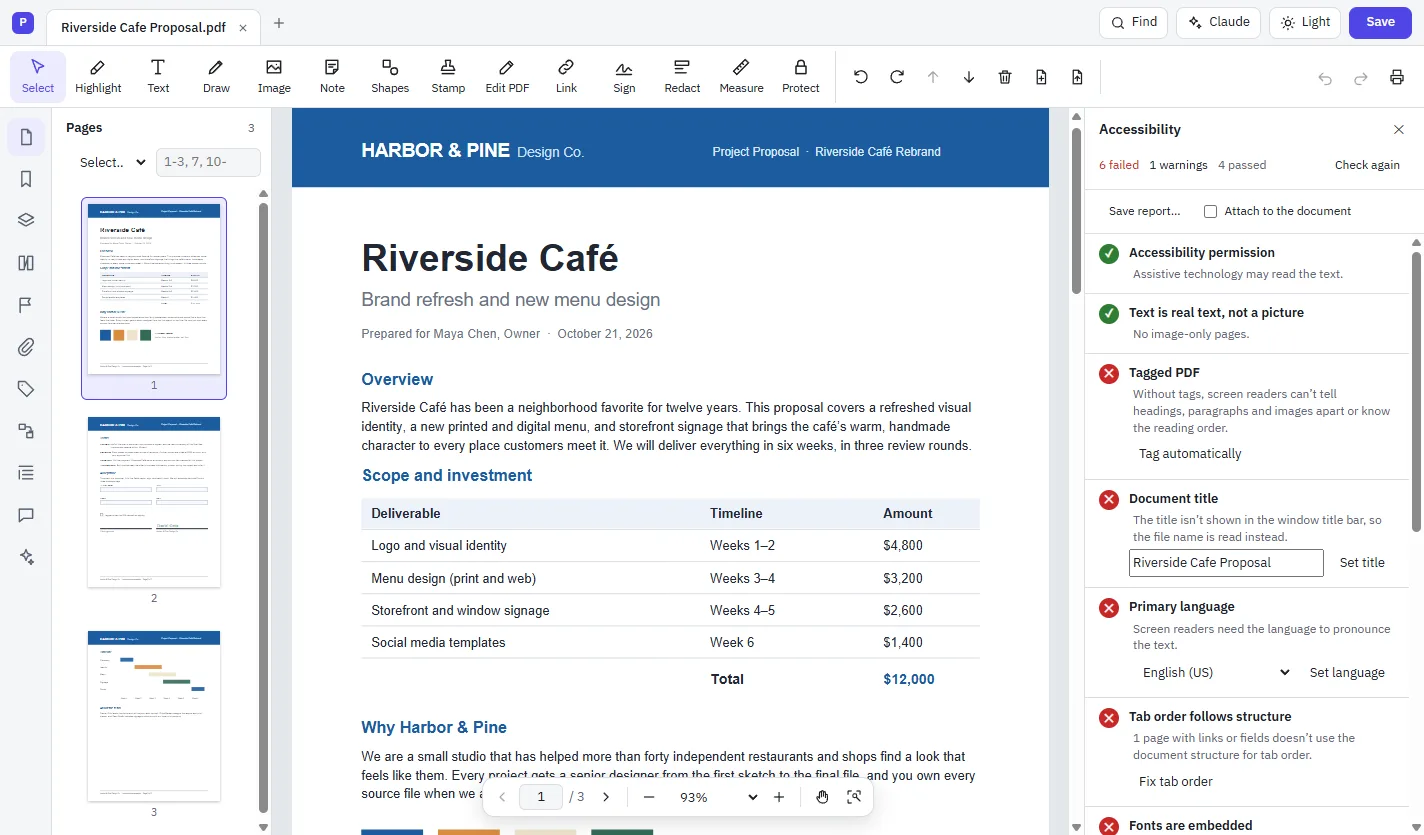
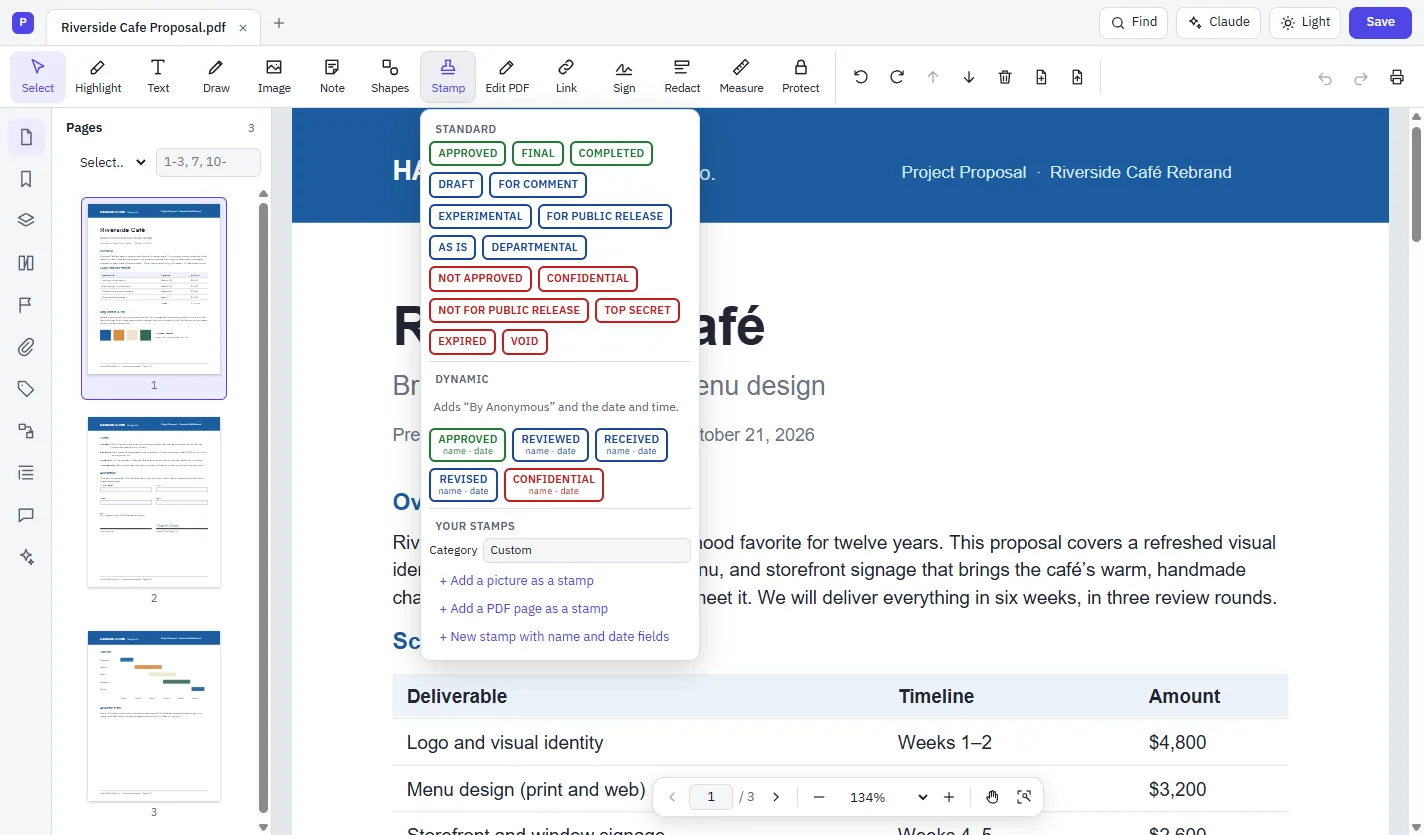
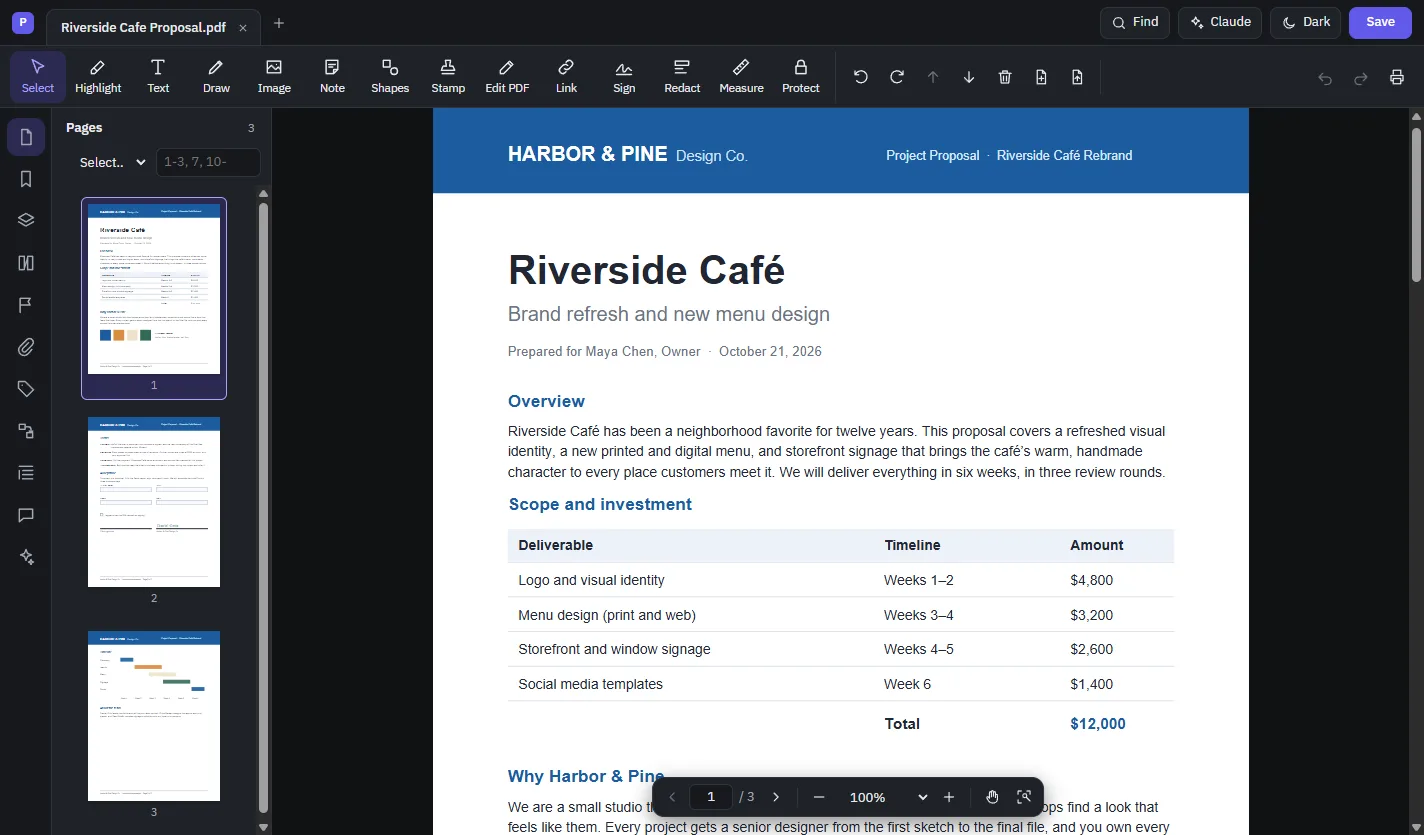
Cloud PDF is a full PDF editor. It views, edits, signs, comments on, organizes, protects, redacts and converts PDFs, and it includes Cloud Docs, an editor for Word files, in the same window.
Is it really free?
Yes, Cloud PDF is free, on your computer and in your browser.
Can I edit the text that's already in a PDF?
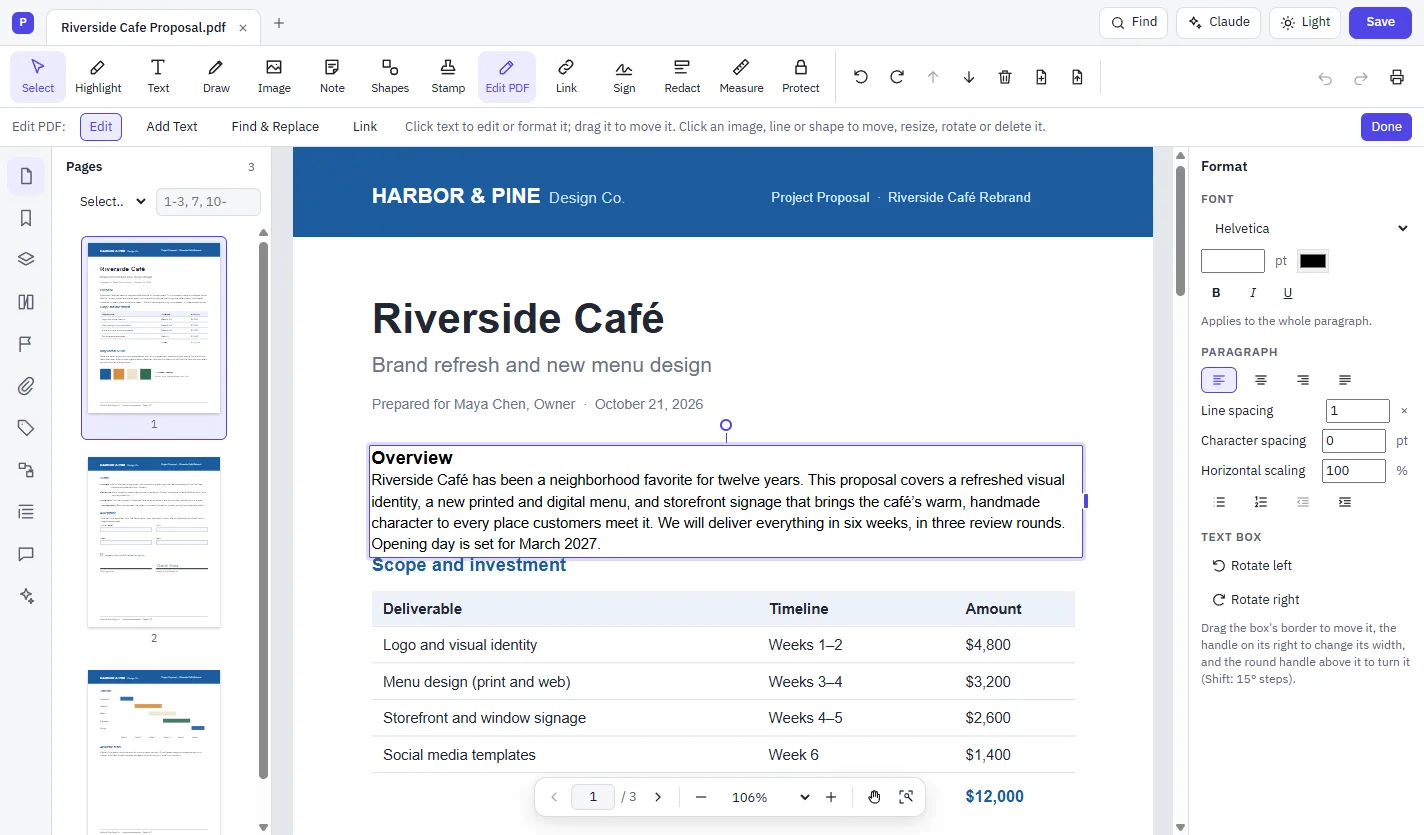
Yes. Choose Edit PDF, click a paragraph and type. Cloud PDF sets your changes in the document's own font when it can, or in a font installed on your computer, and moves the text below so nothing overlaps.
Can I edit a scanned document?
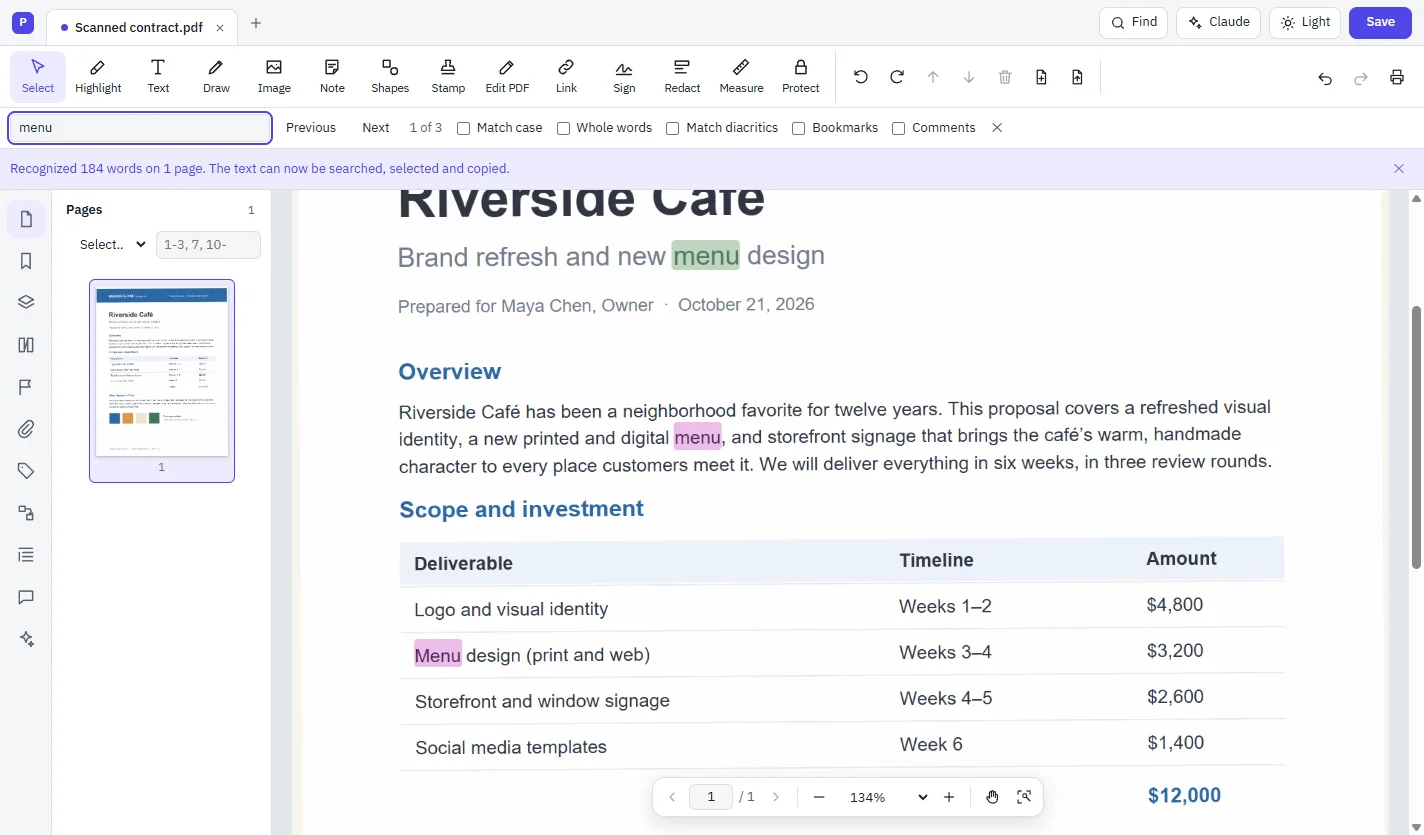
Yes. Run Recognize Text (OCR) first. The scan becomes searchable, selectable text, and you can then edit it with Edit PDF like any other text.
Which file types can I convert?
You can turn PDFs into Word, Excel, PowerPoint, Rich Text Format, HTML, XML, plain text, JPG, PNG, TIFF, PostScript and EPS. You can make a PDF from any file: Word, Excel and PowerPoint files, pictures, web pages, text and code, email (.eml), video and sound, your scanner and the clipboard. A file that can’t be shown as pages, such as a ZIP archive, becomes a PDF that describes it with the file attached inside. Word documents convert on their own; spreadsheets and slides keep their full design when Microsoft Office or LibreOffice is on your computer, and without either the PDF is made from their contents with the original attached.
Are my documents uploaded anywhere?
No. In the browser and on the desktop, Cloud PDF opens and saves files on your own computer. The only time a document leaves it is when you ask the desktop app's AI assistant a question, and the assistant shows you which pages it will send before it sends them.
How does the AI assistant work?
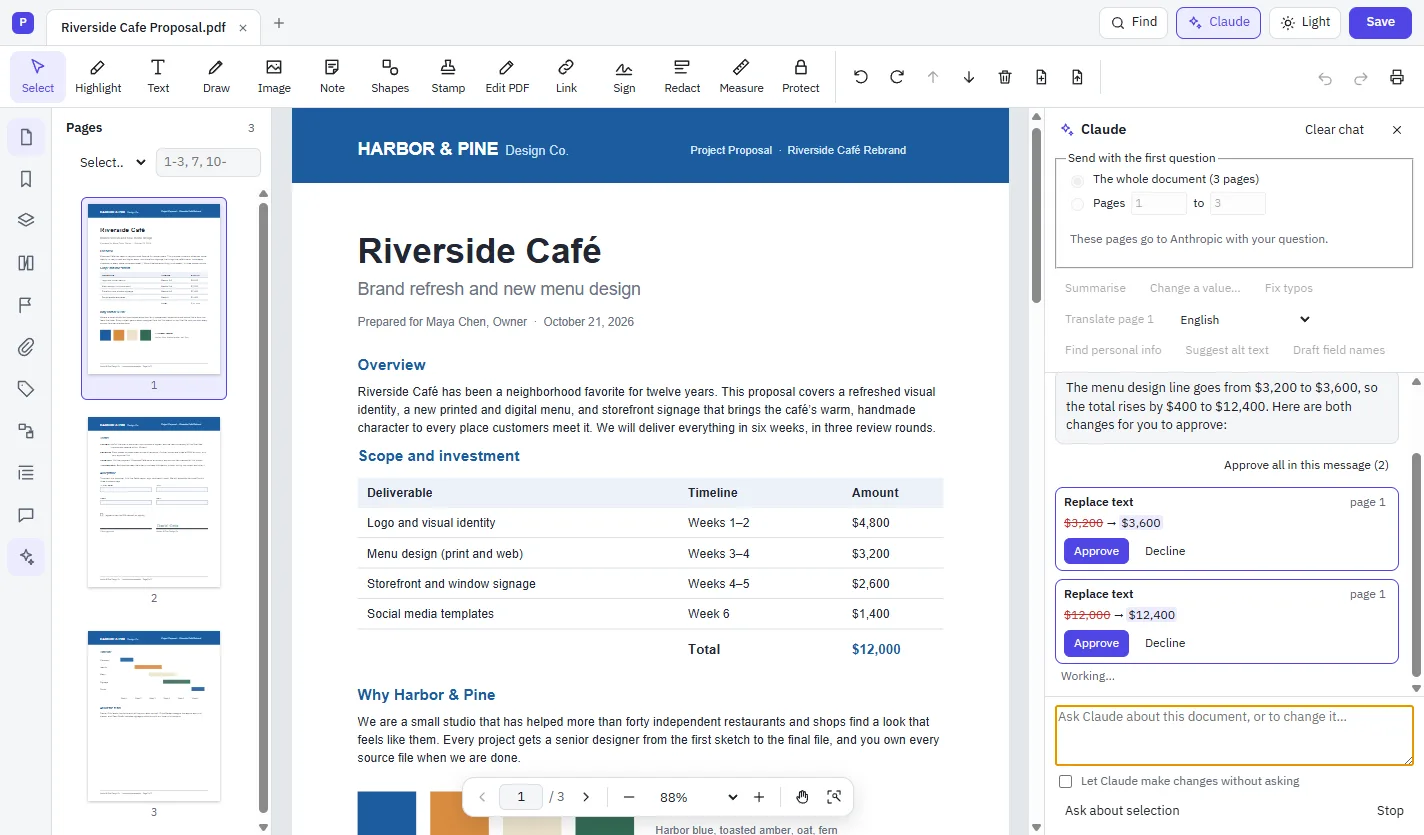
Open the Claude panel and ask a question or request a change. It can answer with links to the pages it used, and every change it proposes waits for you to approve it. Use Claude with your own API key, or sign in with your ChatGPT plan.
Will my PDFs open in other apps?
Yes. Cloud PDF is built from the PDF standard, ISO 32000-2, and the files it saves open correctly in Adobe Acrobat, Apple Preview, Chrome and Firefox.
Can I sign documents legally?
You can sign with a digital ID, using certificate-based signatures in the PAdES format, with timestamps and long-term validation. You can also use digital IDs on smart cards through the Windows certificate store. Whether a signature meets a particular legal requirement depends on where you are and what you're signing.
Which computers does it run on?
Use Cloud PDF in current Chrome or Edge at mycloudsuites.com/app, or download the desktop app for Windows or Mac. A few tools, such as scanning, are in the desktop app only. What works online.