

A free spreadsheet app for your Excel files
Cloud Sheets by MyCloudSuites opens, edits and saves .xlsx workbooks with formulas, charts, tables and printing. What you save opens in Excel the way you left it, and there's no subscription.
Free for Windows 10 and 11 and macOS 13 or later, or in Chrome or Edge. Needs a free account.
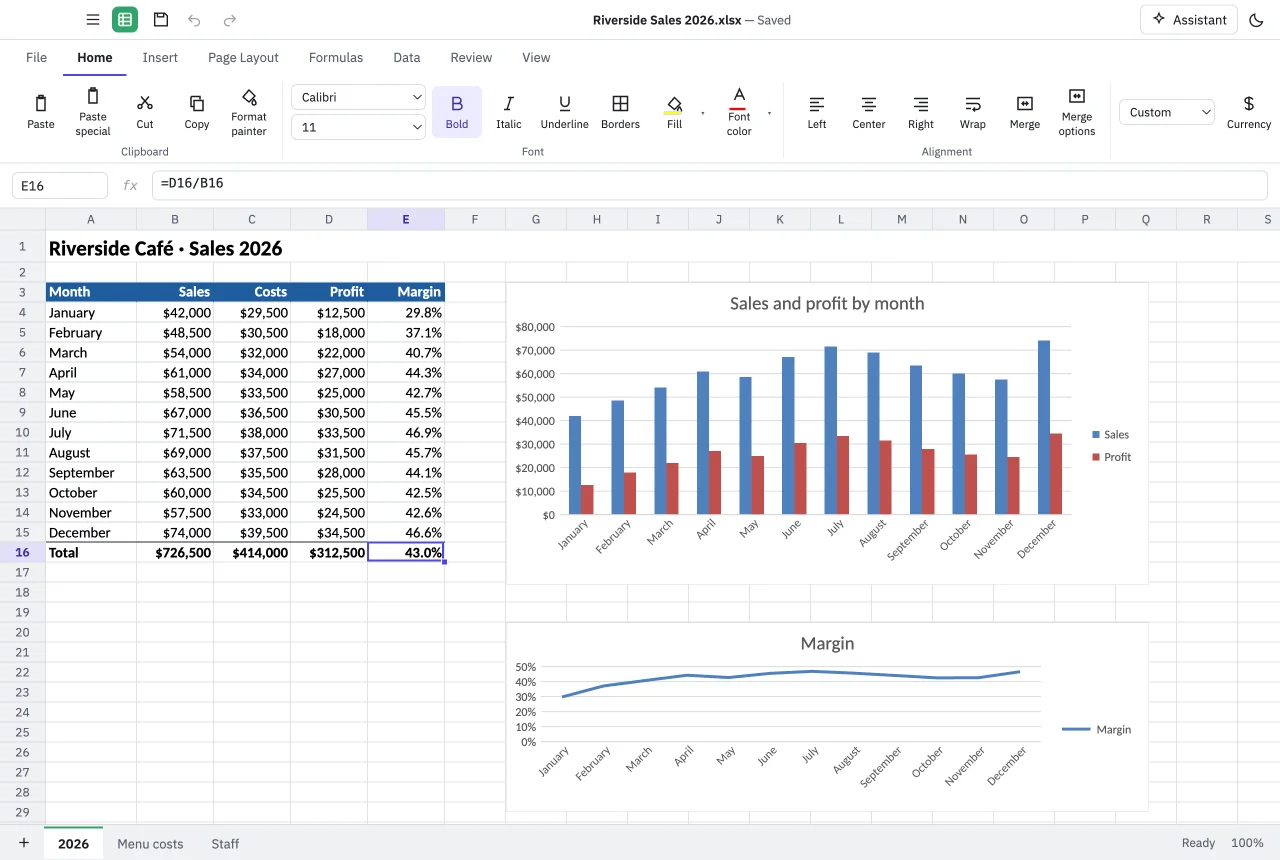
Everything a spreadsheet needs
- 485 functions, from SUM and VLOOKUP to XLOOKUP and FILTER
- Formulas that spill, named ranges and table references
- Tables, sort and filter, and PivotTables
- Conditional formatting and data validation
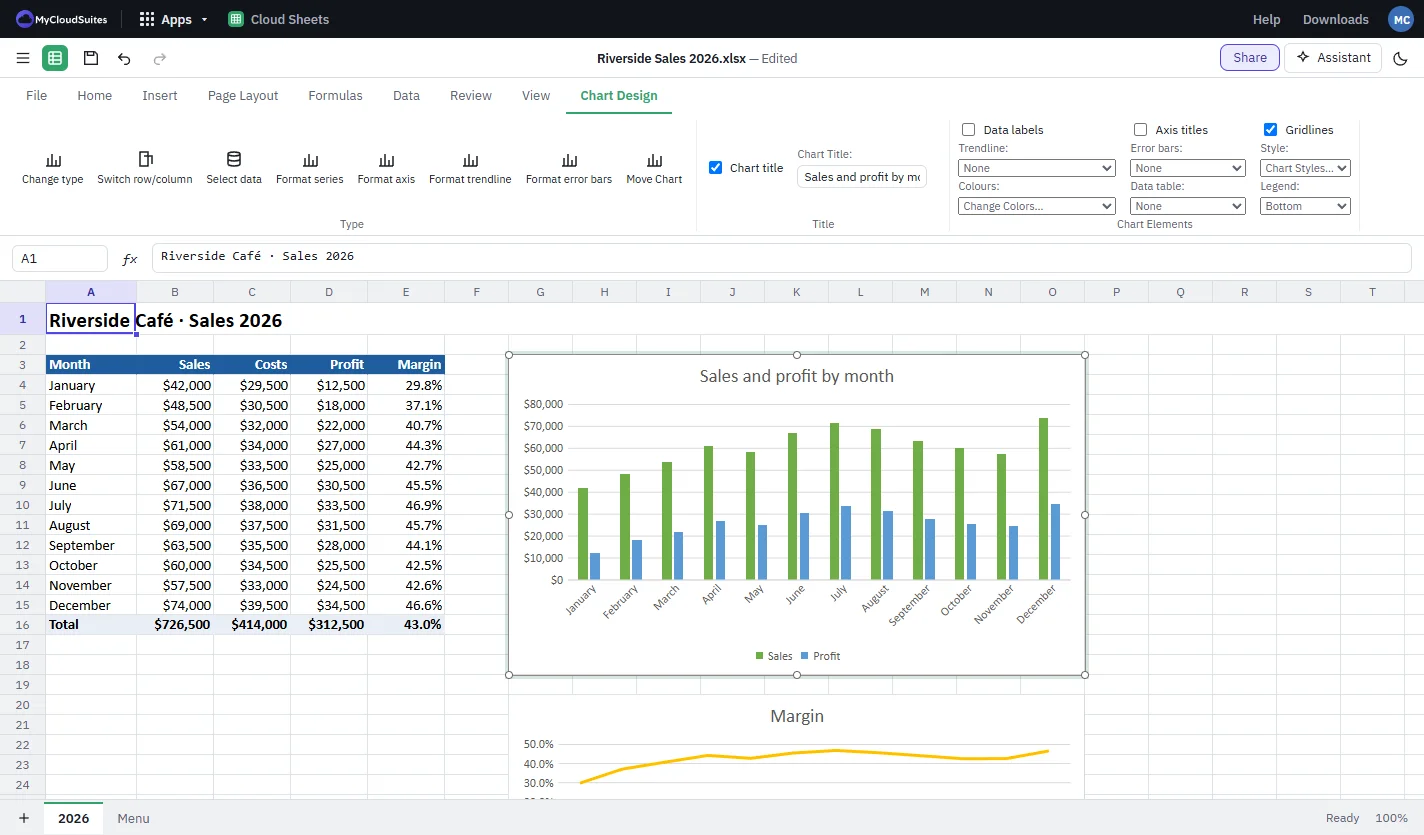
- Column, bar, line, pie, scatter and combo charts
- Pictures, shapes and sparklines
- Print with a preview, fit to one page, or save a PDF
- Opens .xlsx, .xls, .xlsb and .csv files
Free, with nothing locked
Every feature of Cloud Sheets is free, on your computer and in your browser. There's no trial that runs out and no paid plan for the spreadsheet itself.
Your workbooks stay on your computer. They're stored with MyCloudSuites only if you choose to save them there with MyCloudSuites Plus.
Questions
Is Cloud Sheets really free?
Yes. Every feature is free on Windows, Mac and in your browser. You need a free MyCloudSuites account.
Will my files open in Excel?
Yes. Cloud Sheets saves .xlsx, and older .xls and .xlsb workbooks in their own format. Anything it doesn't edit yet is kept as it was when you save.
Does it work offline?
The desktop app does: opening, editing and saving work without the internet. The browser version needs you to be signed in.
Which computers does it run on?
Windows 10 and 11 (64-bit), and macOS 13 or later on Apple silicon or Intel. Or use it in a current Chrome or Edge. See System requirements.
How do I get started?
Install Cloud Sheets, then see the Cloud Sheets help for formulas, charts and printing.