

Move deals on a phone
Updated November 13, 2026
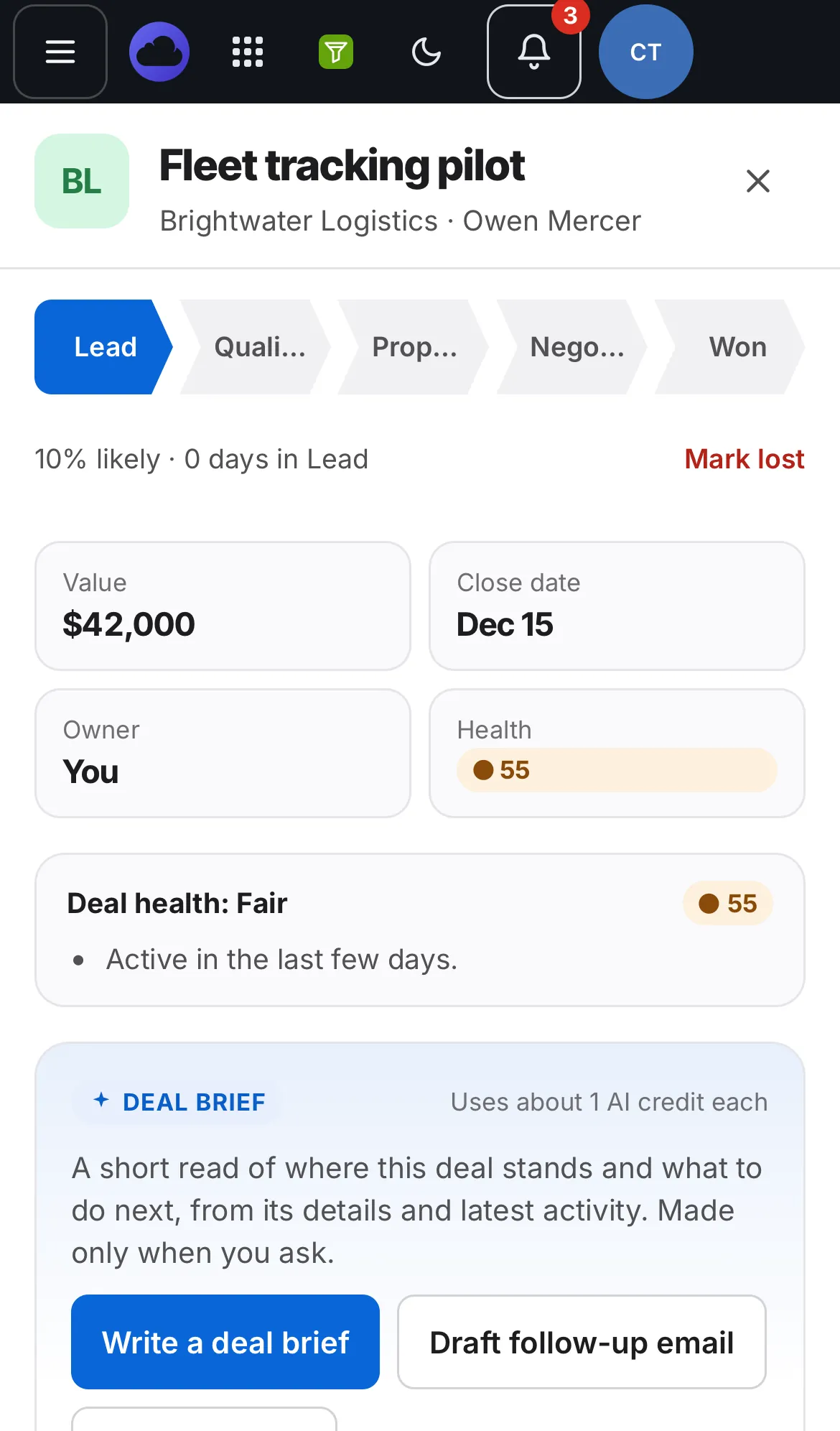
Phones don’t drag cards. You move a deal from its panel instead.
Steps
- Open Pipeline and tap a deal.
- At the top of the deal, tap a stage in the row of steps (Lead, Qualified, Proposal, Negotiation, Won).
- To mark it lost, tap Mark lost.
Good to know
- The board scrolls sideways inside its own box, so you can see every stage.
- The same steps work on a computer too.