

Sales reps
Updated November 13, 2026
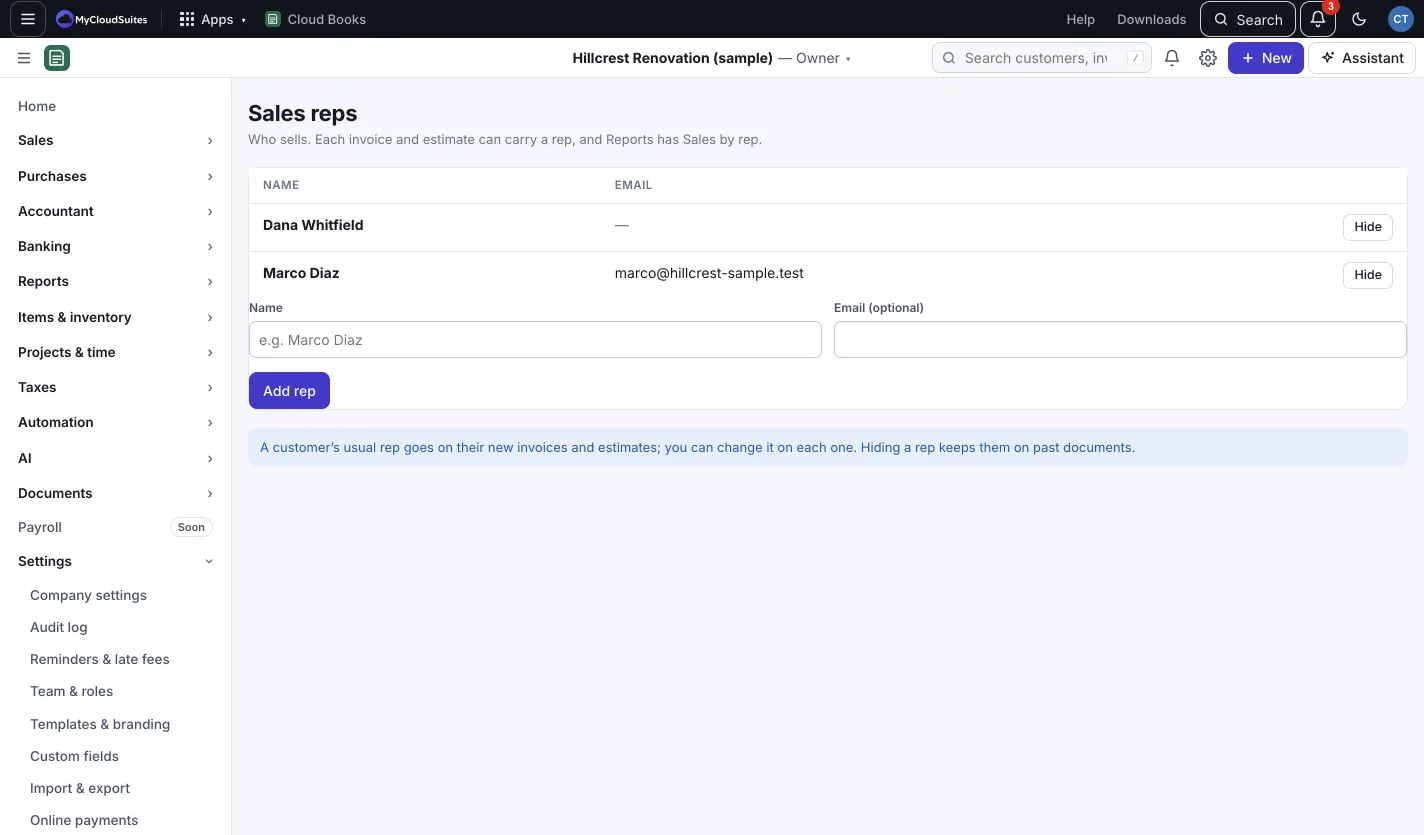
Sales reps are the people who sell for you. Each invoice and estimate can carry a rep, and the Sales by rep report adds up what each one sold and what’s been collected. Reps don’t need a Cloud Books login.
Add a rep
- Go to Settings › Sales reps. (Only the owner or an admin can add or hide reps.)
- Type the rep’s Name and, if you like, Email (optional).
- Press Add rep.
Put reps on customers and sales
- On a customer, pick their Usual sales rep. It goes on their new invoices and estimates.
- On any sales document, change the Sales rep for that one, or pick No rep.
See sales by rep
Go to Reports › All reports and open Sales by rep in the Sales group. It shows invoices and sales receipts less credit notes, before tax, for the dates you pick.
Good to know
- Hide takes a rep off the pickers but keeps them on past documents. Press Show to bring them back.
- The rep pickers only appear once you’ve added a rep.