

Bill a job in stages (progress invoicing)
Updated November 13, 2026
For bigger jobs, you can bill an estimate a piece at a time. Cloud Books keeps track of what’s billed and what’s left.
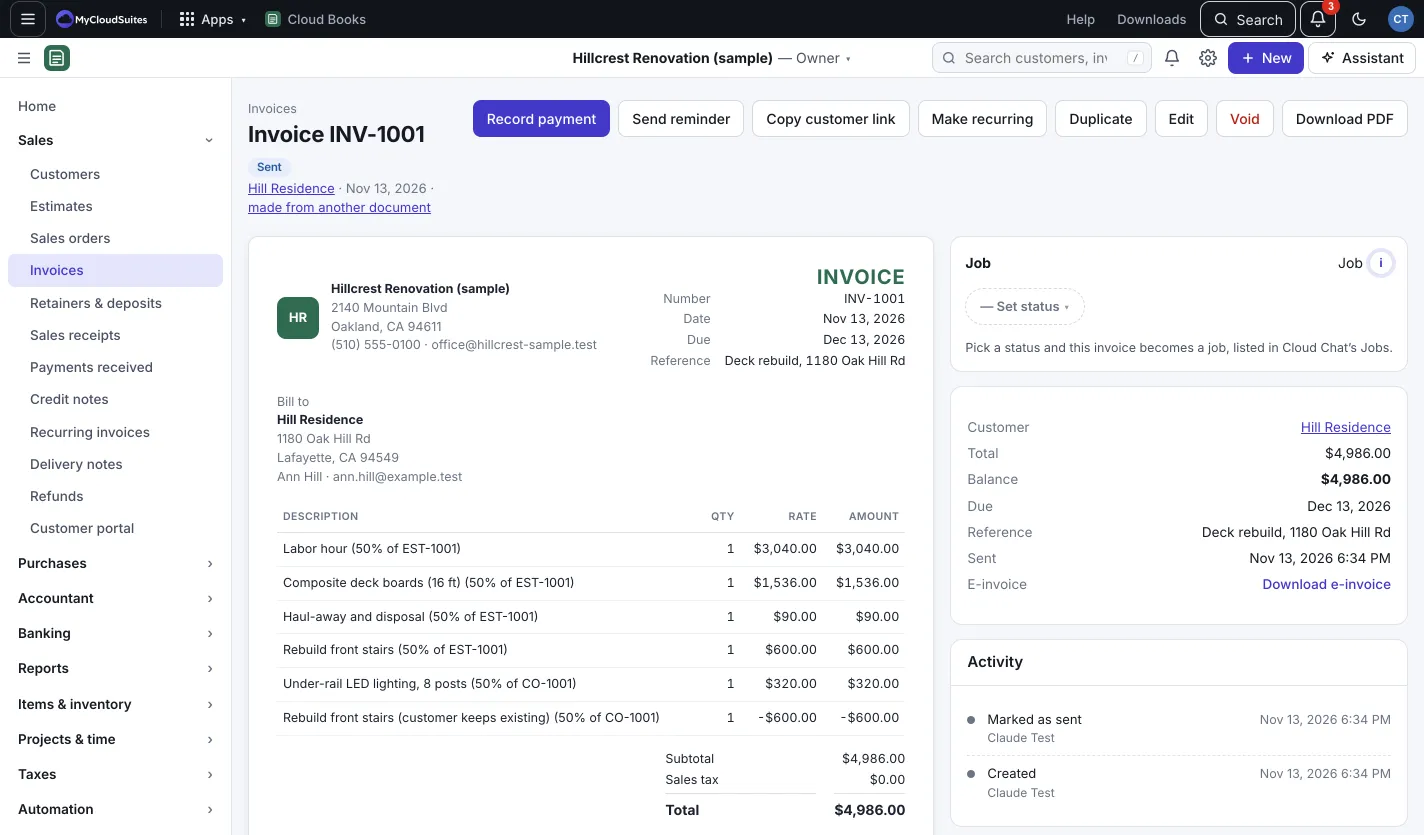
Invoice part of an estimate
- Open the estimate. It must be sent or accepted.
- In Progress billing, press Invoice part of it.
- Under Bill by, pick:
- Percent of the estimate: for example 25%.
- An amount: a dollar figure.
- Quantity per line: how much of each line to bill now.
- To keep some back until the end, fill in Hold back retention (%). Retention is money held back from each invoice and billed when the job is done.
- Press Make draft invoice. Check it, then send it.
Bill the retention
When the job is done, open the estimate and press Bill retention in Progress billing.
Good to know
- Progress billing shows Invoiced so far (with the percent), Left to bill, and any retention held and billed.
- The estimate stays open until all of it is invoiced.
- Projects can be billed the same way, by percent or milestone. See Projects and timesheets.