

Set customer credit limits
Updated November 13, 2026
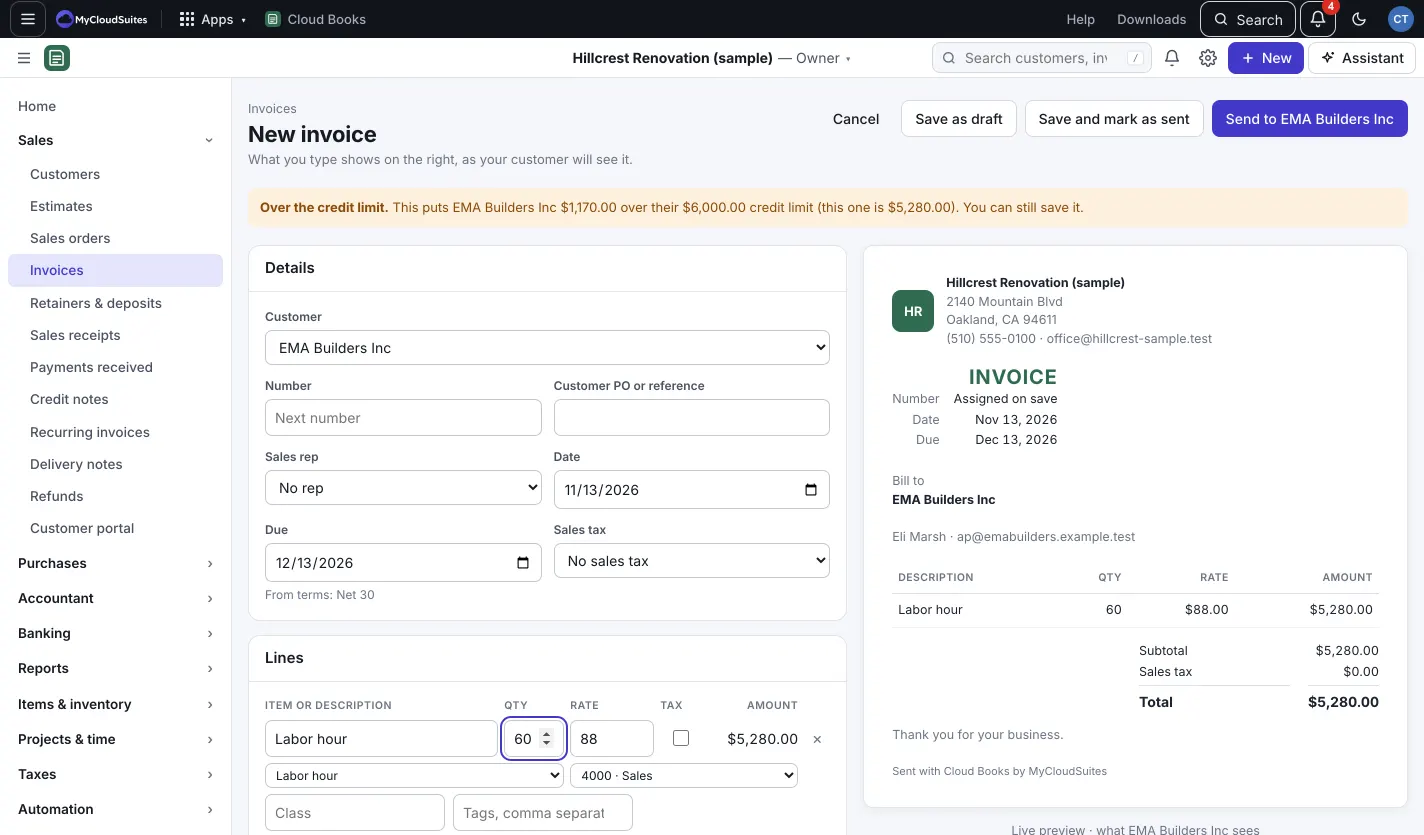
A credit limit is the most a customer may owe you at once. Cloud Books checks it when you save an invoice or sales order that isn’t a draft.
Set a limit
- Open the customer and press Edit.
- Under Credit, type the Credit limit. Leave it empty for no limit.
- Choose When an invoice or sales order goes over:
- Warn, and let anyone save (the default): a note says how far over it is, and anyone can still save.
- Hold: only owners and admins can save it: everyone else can save it as a draft and ask an owner or admin to send it.
- Optionally, fill in Also over when anything is overdue by more than (days). Then a customer with an old unpaid invoice counts as over, even under the limit.
- Press Save.
The customer’s page shows the Credit limit and how much is left.
What gets checked
- Invoices and sales orders, when they’re saved as anything but a draft, sent, or raised.
- Estimates aren’t checked: an estimate isn’t money owed.
- Editing an invoice without raising it (a note, a date) is never stopped.
- What’s owed is every unpaid invoice and open sales order, not counting the one you’re saving.
Good to know
- Batch invoices leave customers who are over their limit unticked. You can tick them if you mean to. See /help/batch-invoices.
- Every change to a customer’s limit is in the Audit log.