

Currency revaluation
Updated November 13, 2026
If you invoice or get bills in other currencies, what they’re worth in your own currency changes with the exchange rate. Currency revaluation values open invoices and bills at the month-end rate. The difference is an unrealized gain or loss, and it’s reversed on the 1st of the next month.
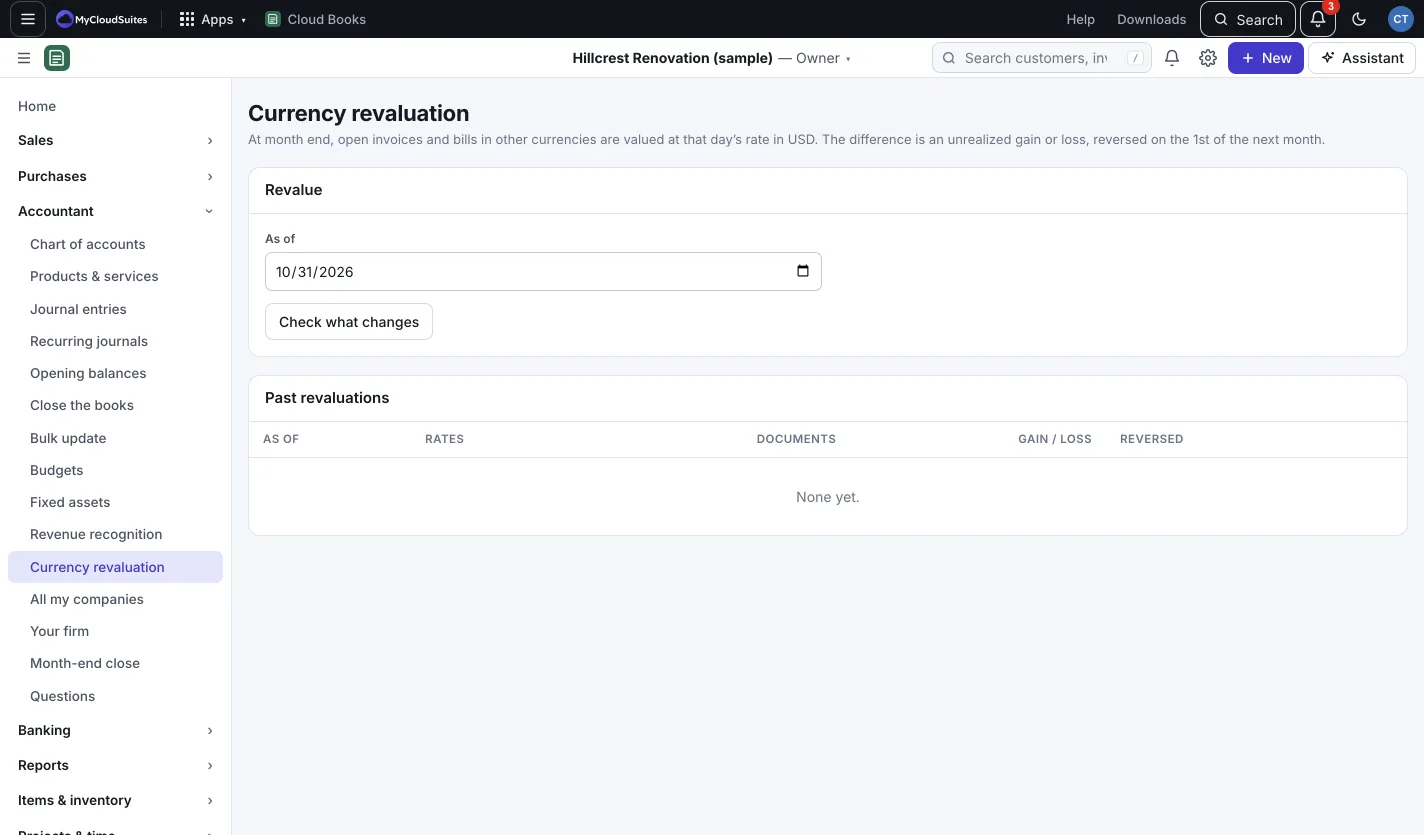
Revalue at month end
- Go to Accountant › Currency revaluation.
- Set As of, usually the last day of the month.
- Press Check what changes. If Books doesn’t have a rate for a currency on that date, it asks for it: type it in the box (1 of that currency = how much of yours), then press Check again.
- Check the list: each open document, the Rate then → now and the Change. The tiles show the Receivables change, Payables change and the Unrealized gain or Unrealized loss.
- Press Post revaluation (owners and admins).
Undo a revaluation
Under Past revaluations, press Undo beside one. It removes the revaluation and its reversal.
Good to know
- If nothing is open in another currency, Books tells you there’s nothing to revalue.
- Only the owner or an admin can post or undo a revaluation.