

Welcome to Cloud CRM
Updated November 13, 2026
Cloud CRM keeps your sales in one place: the deals you’re working on, the people and companies behind them, your tasks, and simple automations that do the busywork.
How it works
- Open it at mycloudsuites.com/apps/crm/, or from the Apps menu in the MyCloudSuites bar (“Deals, contacts and your sales pipeline”).
- A deal is a sale you’re working on. It moves through stages, from Lead to Won (or Lost). See Stages.
- People and companies are who you sell to. A deal can have one of each. See People and Companies.
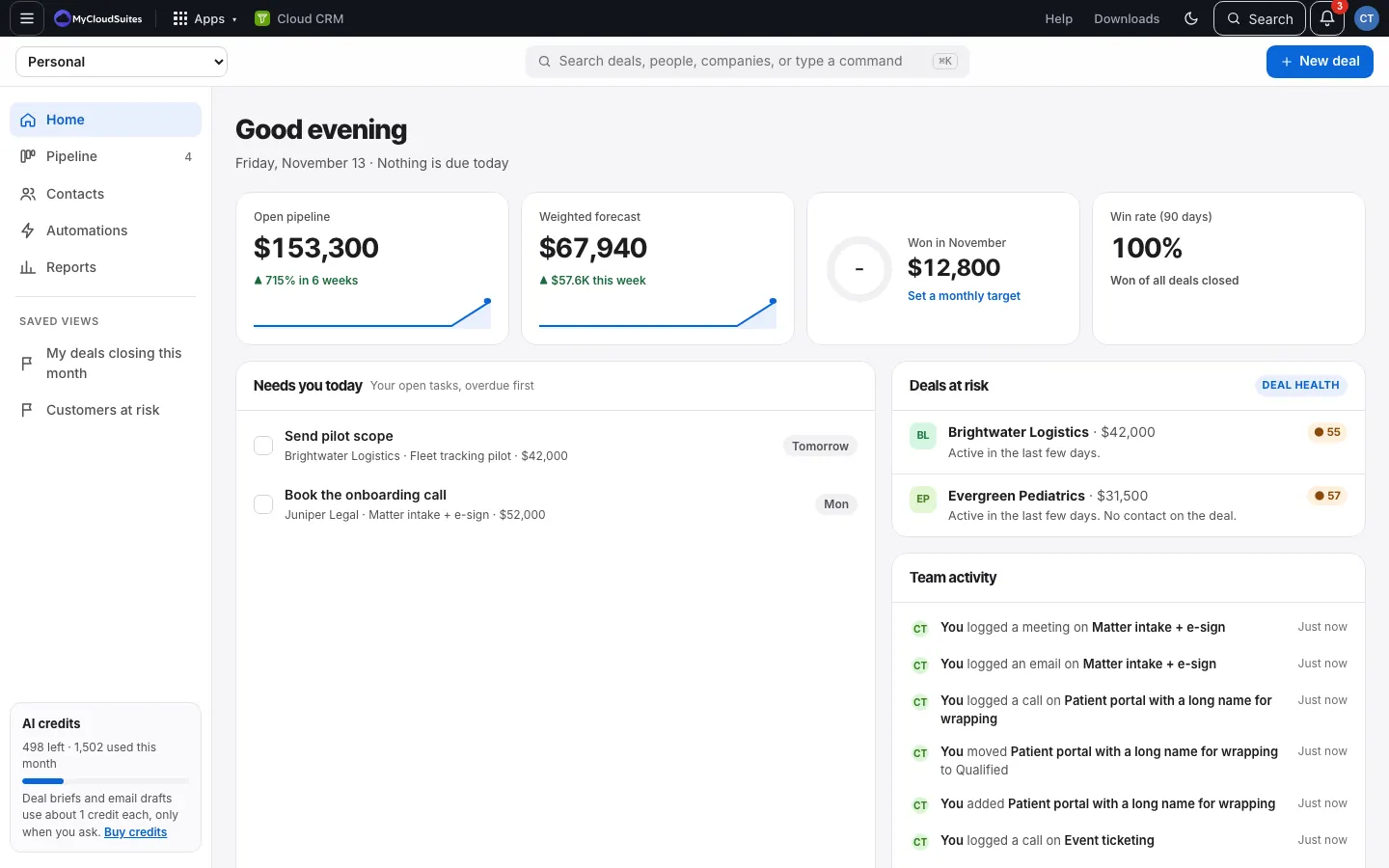
- Home shows what needs you today. Pipeline shows every deal by stage. Contacts lists people and companies. Automations runs rules for you. Reports shows how sales are going.
Where to start
- Add your first deal.
- Bringing data from another CRM or a spreadsheet? Import it.
- Find your way around.
Good to know
- Everything you change is saved as you go. There’s no Save button for records.
- Cloud CRM works in any modern browser, on a computer or a phone. You can also install it like an app.