

Personal and team CRMs
Updated November 13, 2026
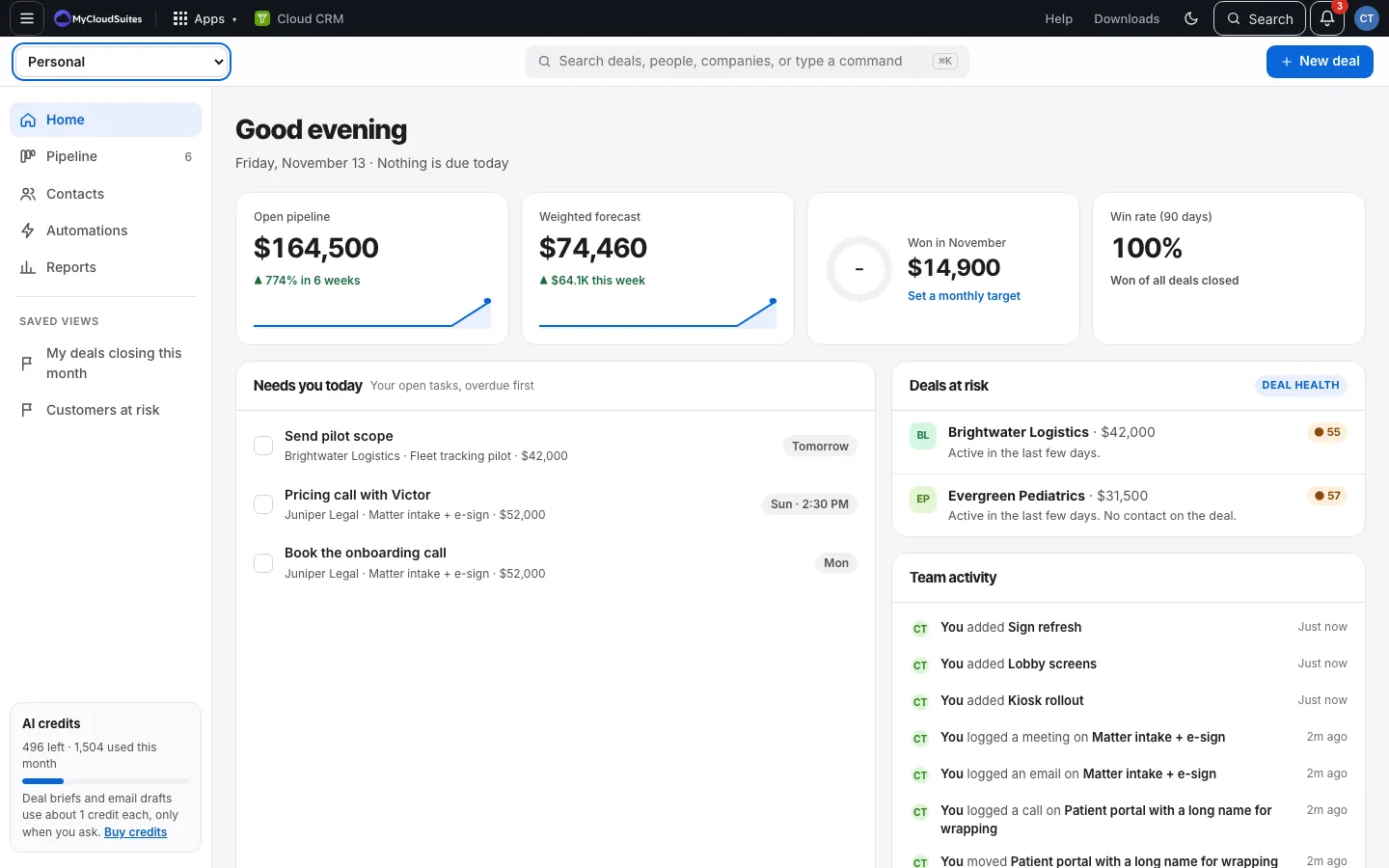
You have a Personal CRM of your own, and one for each organization you belong to that has given you access.
How it works
- Personal is yours alone. Nobody else can see it.
- Each organization you’re in has one shared CRM for the whole team. Everyone with access sees the same deals, people and companies.
- Switch between them with the picker at the top left. It shows (view only) next to a CRM you can read but not change.
Good to know
- Each CRM is separate: deals, contacts, automations, reports and imports don’t mix.
- A few automations only work in an organization’s CRM, because they involve a team: giving deals out in turn, and posting in Cloud Chat. See Team automations.
- See Who can do what for roles.