

Clean up with Drawing Doctor
Updated November 13, 2026
Drawing Doctor checks a drawing and fixes what it finds. It’s free.
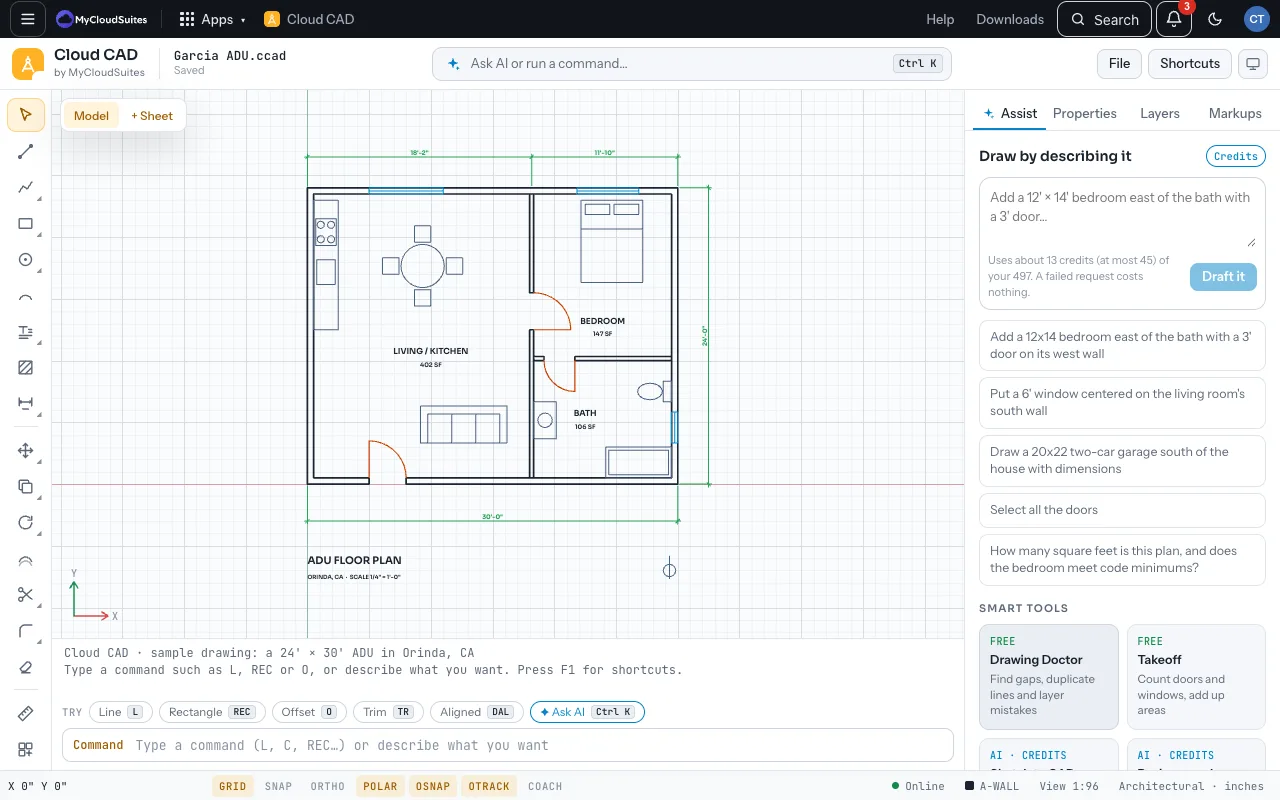
Run it
- Open Assist and choose Drawing Doctor (or type DOC).
- Click a finding to see it on the drawing. Choose Fix for one, or Fix all.
- Ctrl Z undoes a fix.
What it finds
- Gaps under 3 inches at the ends of lines.
- Duplicate lines, circles and arcs lying exactly on each other.
- Overlap: collinear lines on one layer that overlap become one line.
- Zero length: lines shorter than 1/16 inch.
- Layer 0: objects left on layer 0.
- Unused: empty layers and text and dimension styles nothing uses. Its button is Purge, and undo doesn’t bring these back.
Tips
- Run it after opening a DWG or DXF from somewhere else; drawings that came through several programs often have duplicates.
- Lines inside blocks and arrays are left alone.
Need more? Takeoff, or contact us.