

Open and save DWG and DXF files
Updated November 13, 2026
Cloud CAD opens and saves the DWG and DXF files other CAD programs use.
DWG
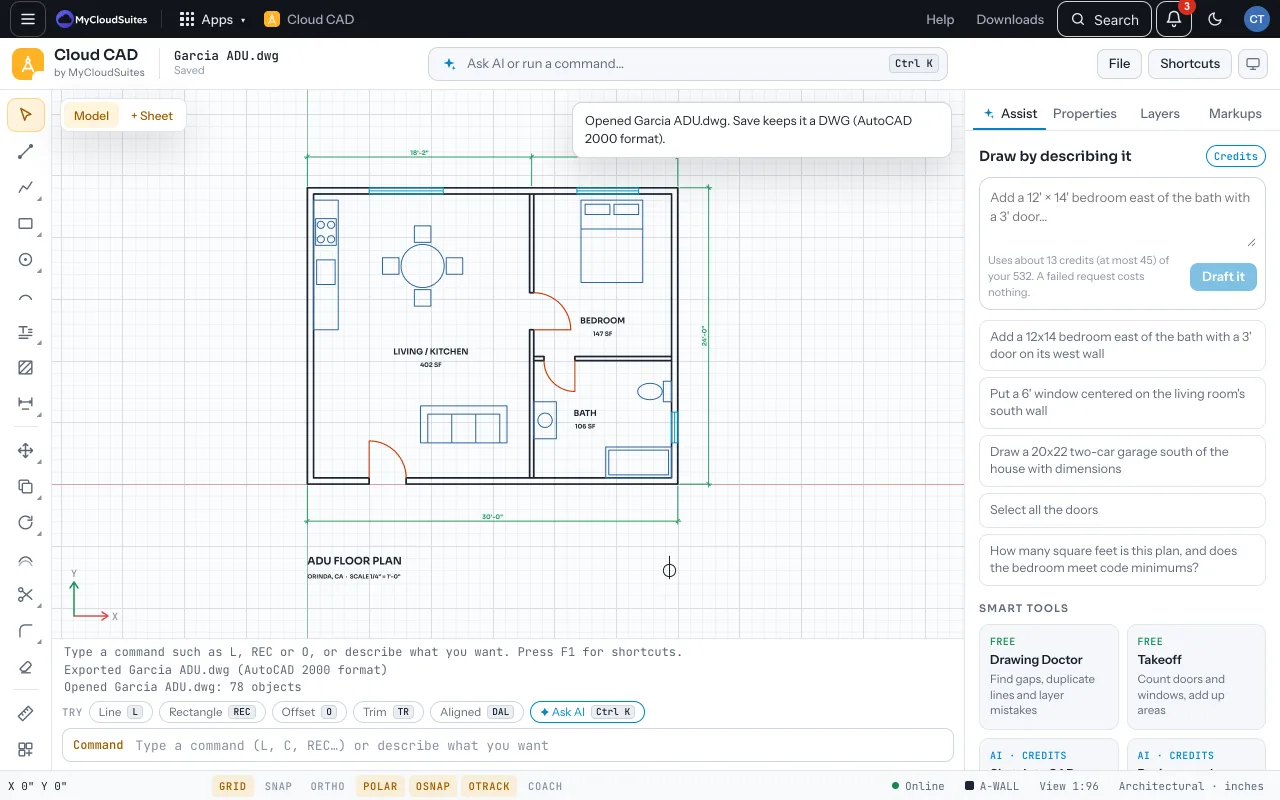
- File › Open… a .dwg, or Save As… with DWG for AutoCAD. DWG files are converted on our server and come straight back, so they need the internet.
- They save in the AutoCAD 2000 format, which every version since opens. Saving a drawing that came from a DWG keeps it a DWG.
DXF
- DXF opens and saves on your computer, offline. Export DXF writes R2000; Export DXF R12 is for programs from before 2000.
What comes across
- Layers with their colors, line weights, linetypes, and frozen, off and locked settings
- Lines, arcs, circles, polylines with arcs, ellipses, splines, hatches, text and dimensions (as real dimensions)
- Blocks, with their attributes as real attributes
- Sheets as layouts, and layouts as sheets
- Markup notes as text beside their pins; wipeouts as solid white fills
After opening, a message lists anything it couldn’t show, such as 3D solids.
Tips
- Run Drawing Doctor on drawings from elsewhere to clear duplicates and gaps.
- Tested on 212 real drawings from open-source test sets, opened, saved and opened again.
Need more? Troubleshooting, or contact us.