

Report packs
Updated November 13, 2026
A report pack is a cover page plus the reports you pick, in one PDF. Make one for your monthly bank update or your accountant, and download it or email it on a schedule.
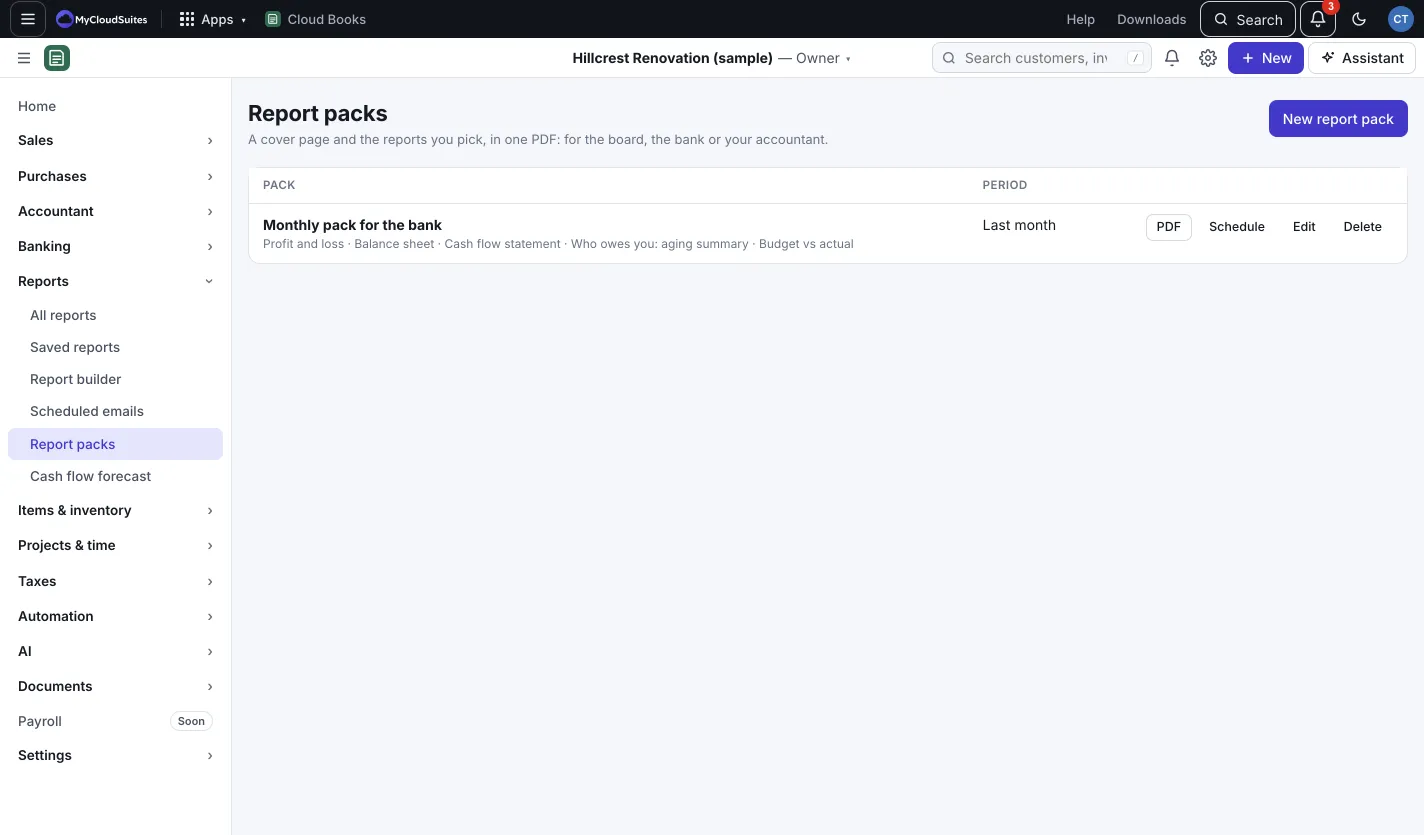
Make a pack
- Go to Reports › Report packs and press New report pack.
- Give it a Name.
- Pick the Period, such as Last month or This fiscal year to date. The balance sheet and aging use the period’s last day.
- Add a Note on the cover (optional).
- Under Reports, in this order, tick the reports: Profit and loss, Balance sheet, Cash flow statement, Who owes you: aging summary, What you owe: aging summary, Expenses by category, Sales by customer and Budget vs actual (when a budget exists for the year).
- Press Save.
Use a pack
- Press PDF to download it with today’s numbers.
- Press Schedule (owners and admins) to email it every day, week or month. See Email reports on a schedule.
- Press Edit to change it, or Delete to remove it.