

Import deals
Updated November 15, 2026
Add many deals at once from a CSV file.
Steps
- Open Pipeline, choose ⋯ next to Board and Table, then Import CSV…. Deals is selected. (Or Settings › Import and export › Import deals.)
- Choose your CSV file.
- Check what each column Imports as. See Match your columns.
- Place any stage Cloud CRM doesn’t know. See Match your stages.
- Choose what happens to Deals already here (same name and company). See Import the same file again.
- Choose Import [number] deals.
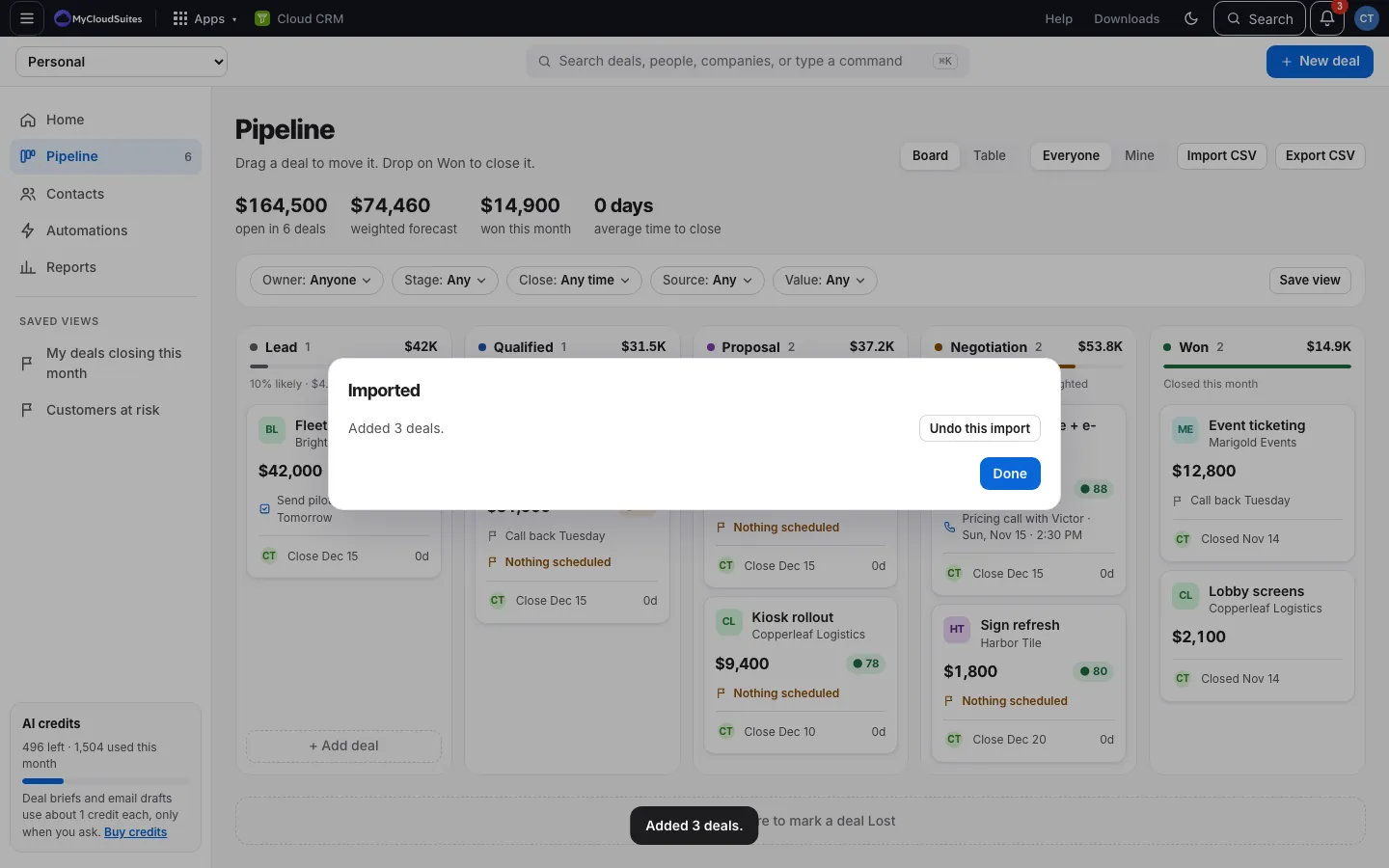
What you can import
Deal name, Value, Currency, Stage, Won or lost, Close date, Date won or lost, Source, Next step, Company, Contact, Contact email, Owner (email), Notes and Date added.
Good to know
- A Won or lost column (like Pipedrive’s Status) wins over the stage: a won deal goes to Won.
- Currency must be a real code like USD or EUR.
- Company and contact names add companies and people that aren’t there yet.
- Imported deals don’t set off automations.