

Payroll in Cloud Books Coming soon
Updated November 13, 2026
Coming soon: this isn’t available yet. This page says how it will work.
Payroll is coming to Cloud Books: paying your team by direct deposit or check, with federal and state taxes filed for you, and every payroll posted to your books on its own. It isn’t available yet.
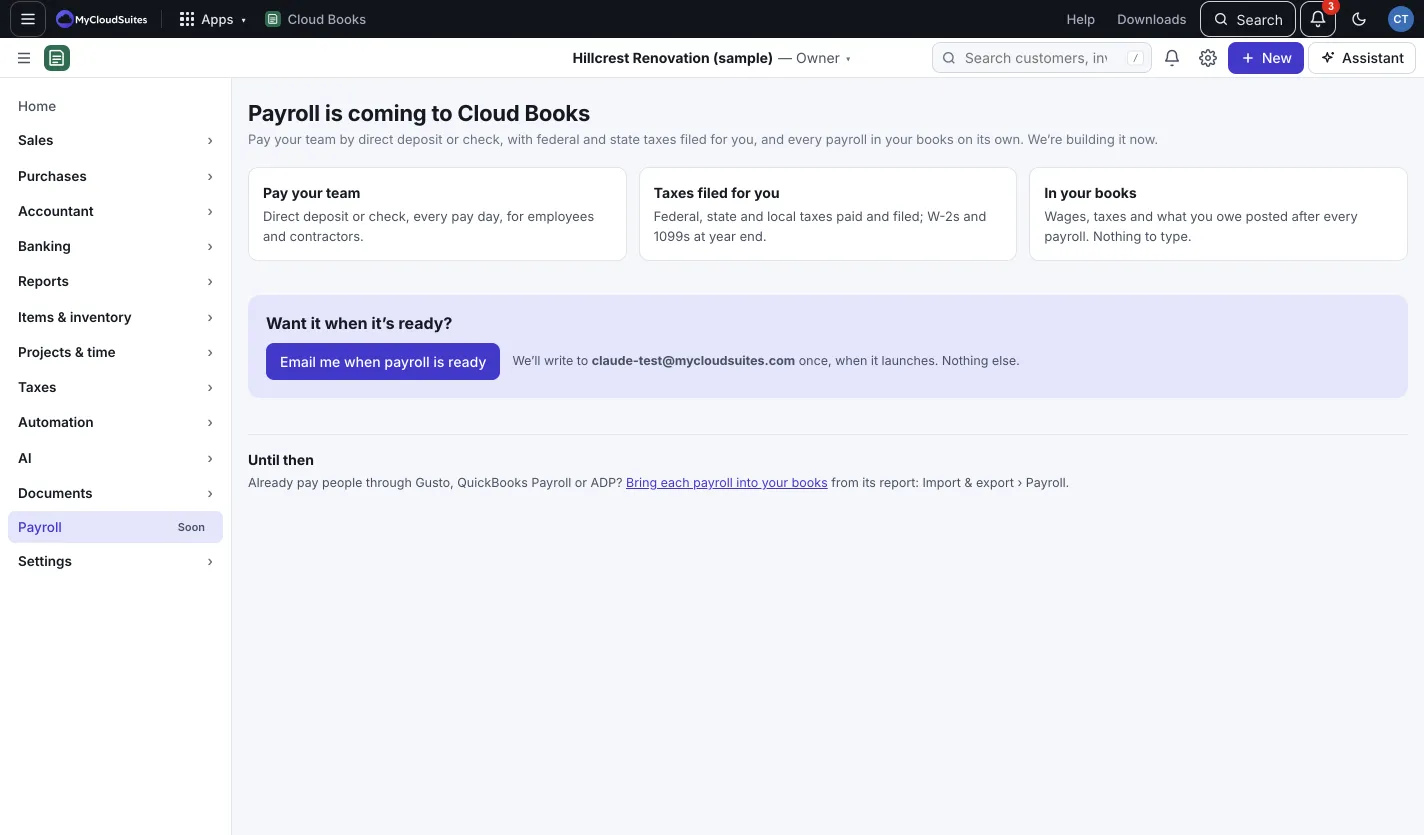
Hear when it’s ready
- In the sidebar, choose Payroll. It has a Soon tag.
- Press Email me when payroll is ready.
We write to you once, when it launches. To change your mind, press Take me off.
Until then
Already pay people through another payroll service? Record each payroll in your books from the service’s report:
- Go to Settings › Import & export and open the Payroll tab.
- Upload the payroll’s journal report, match the columns and choose the accounts.
- Check it and post it.
This only records a payroll you already ran. Nothing is worked out, filed or paid. See Import lists, spreadsheets and payrolls.
Good to know
- Contractors’ 1099s are already in Cloud Books. See 1099s and W-9s.