

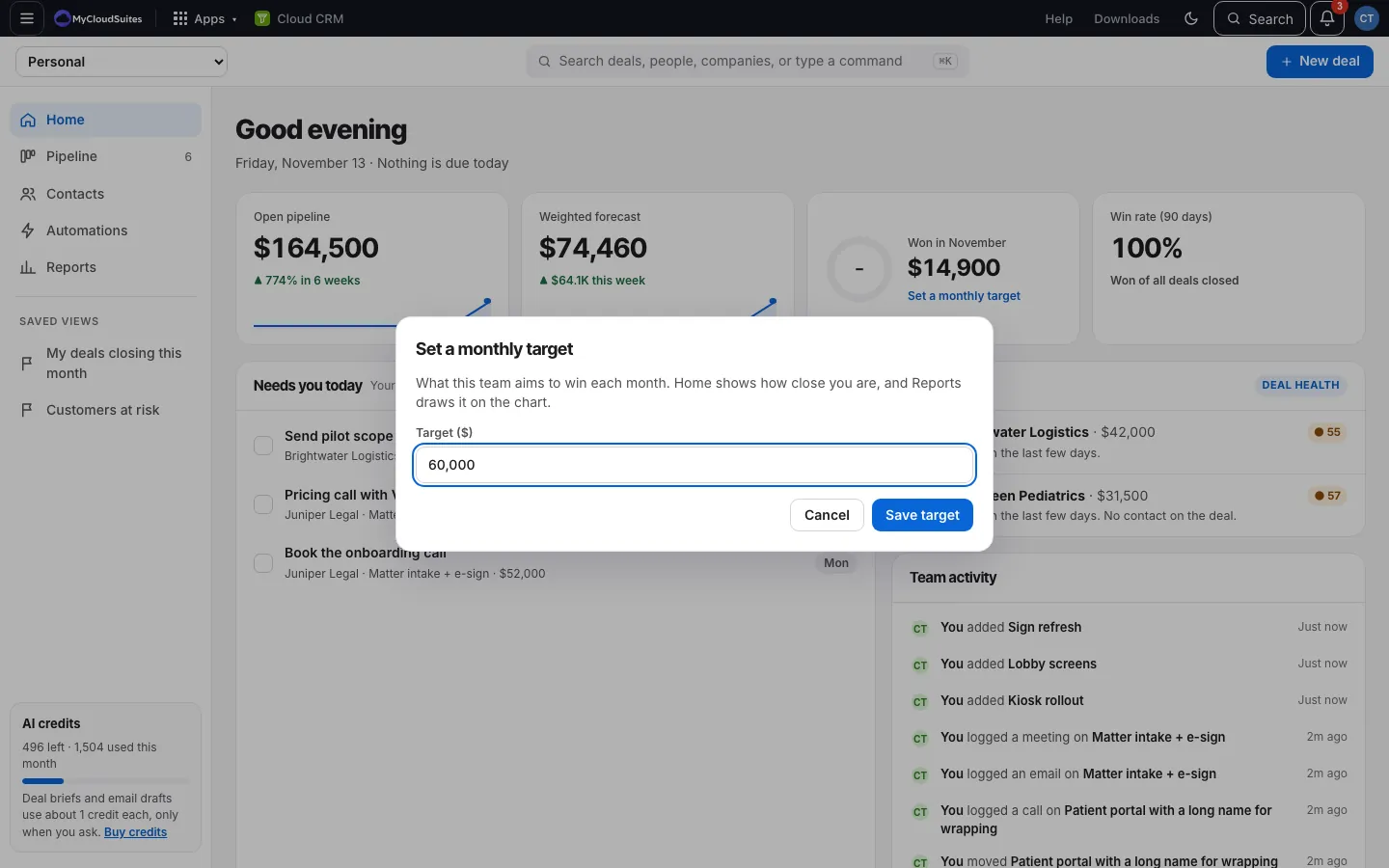
Set a monthly target
Updated November 15, 2026
Set what your team aims to win each month, and see how close you are.
Steps
- On Home, choose Set a monthly target, or go to Settings › Targets and goals (or use search and pick Set a monthly target).
- Type the amount, like 60,000.
- Choose Save target.
How it works
- Home’s Won in [month] shows a ring filling up toward the target.
- Reports draws the target on the Won revenue by month chart.
Change or remove it
Open the target again (on Home, or Change under Monthly target on Reports). Change the amount and Save target, or choose Remove target.
Good to know
- One target per CRM. In an organization, it’s the whole team’s.