

Search and commands
Updated November 13, 2026
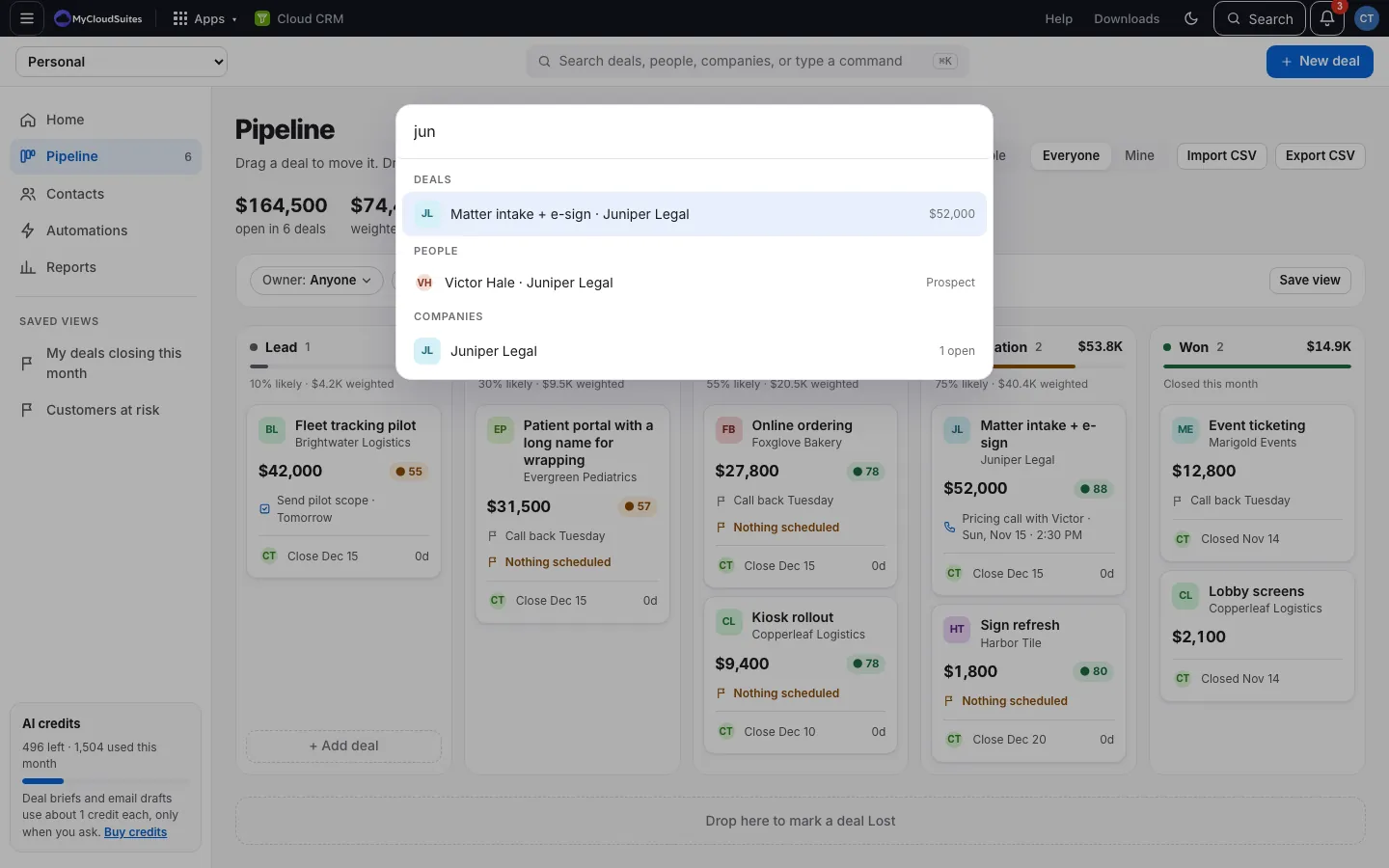
Find any deal, person or company, or do something, from the keyboard.
Steps
- Press ⌘ K (Mac) or Ctrl K (Windows), or click Search at the top.
- Type at least 2 letters to find deals, people and companies.
- Or pick an action: New deal, New person, New company, Import CSV, Set a monthly target, Go to Home, Go to Pipeline, Go to Contacts, Go to Reports, or Create an automation.
- Use the arrow keys to move and Enter to open. Escape closes it.
Good to know
- With view-only access, only the Go to actions show.