

Cloud Photo on your phone
Updated November 13, 2026
Open mycloudsuites.com/apps/photo in your phone’s browser, on an iPhone or an Android phone. There’s nothing to install.
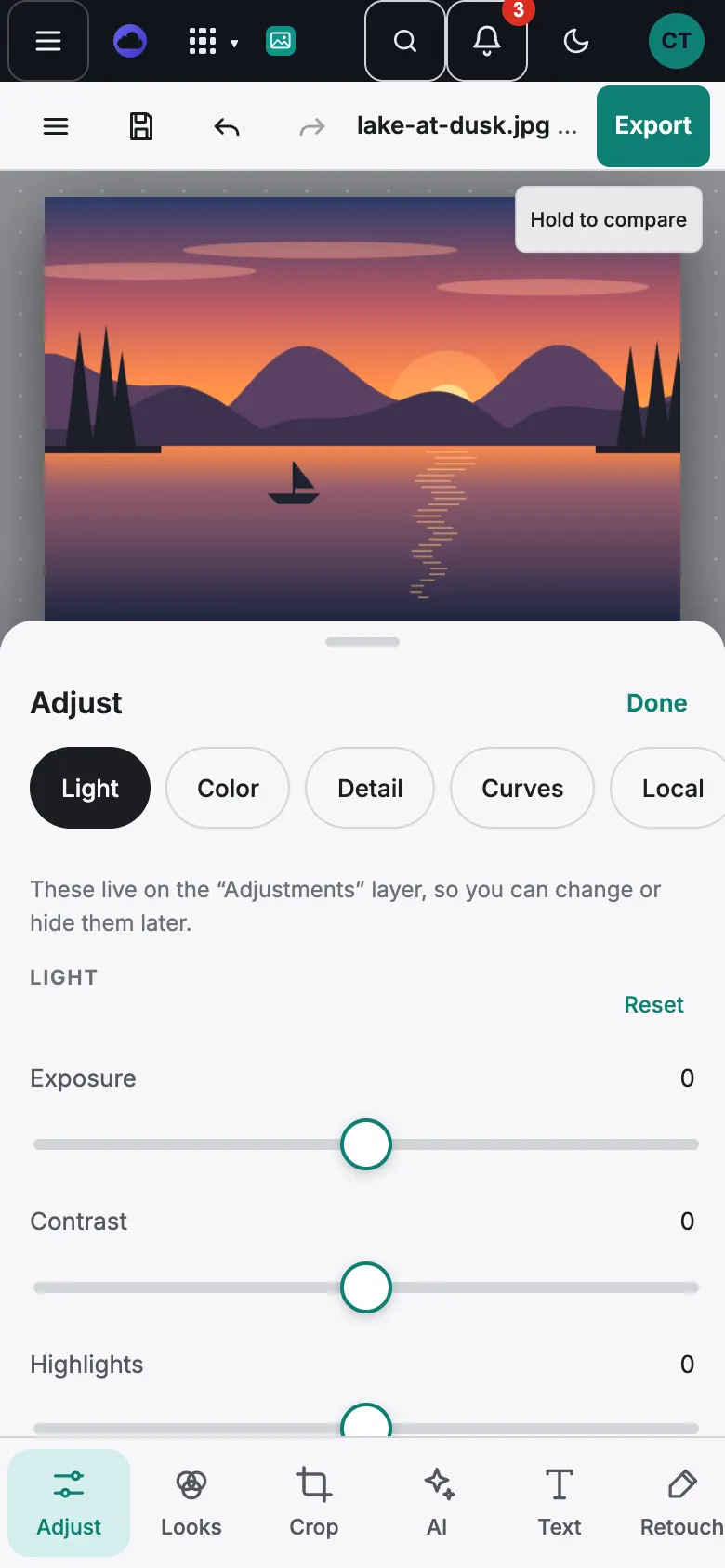
The bottom bar
- Adjust: light and color, one group at a time (Light, Color, Detail, Curves, Local, More).
- Looks: one-tap styles to swipe through.
- Crop: ratios, straighten, then Apply crop.
- AI: the AI tools, each with its price in credits.
- Text: text styles, or a tap on the photo to add text.
- Retouch: the drawing and retouching tools.
- Layers: your layers.
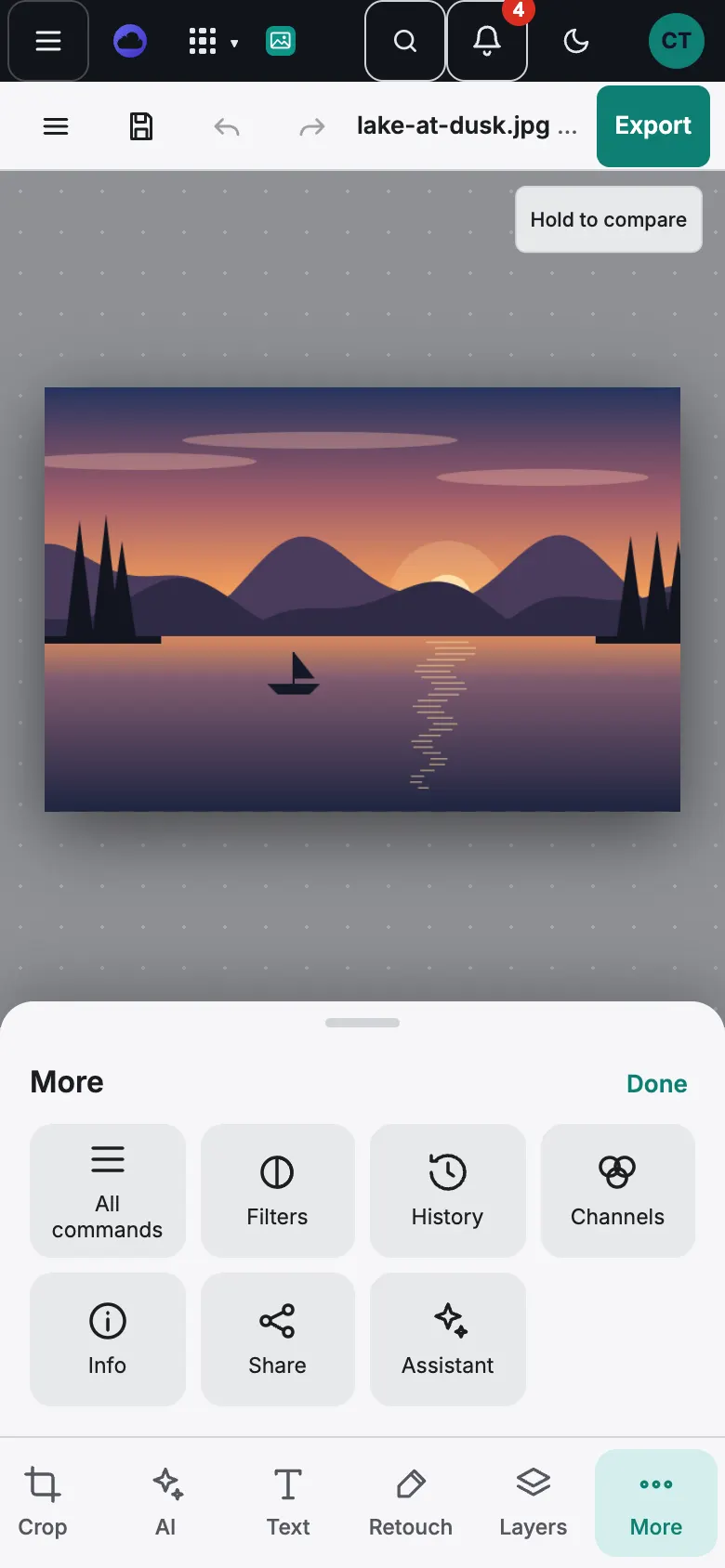
- More: All commands (every menu), Filters, History, Channels, Info, Share and Assistant.
Gestures
- Pinch with two fingers to zoom, and drag with two fingers to move around.
- One finger draws, paints or moves, depending on the tool.
- Double-tap a slider to set it back to 0.
- Done puts a sheet away. Drag the handle at the top of a sheet to make it taller.
Good to know
- Turn your phone sideways for a bigger picture: the panel moves beside it.
- See Phone and desktop: what’s different.