

Layer effects and styles
Updated November 13, 2026
Layer effects are added around and over a layer, and stay editable.
Add effects
- Pick the layer and choose Layer › Layer effects…, or scroll down in the Layers tab to Layer effects.
- Tick an effect and set it:
- Drop shadow, Stroke and Outer glow, around the layer.
- Inner shadow, Inner glow, Bevel, Satin, Gradient overlay, Color overlay and Pattern overlay, on it.
- Add more than one of an effect, such as two shadows.
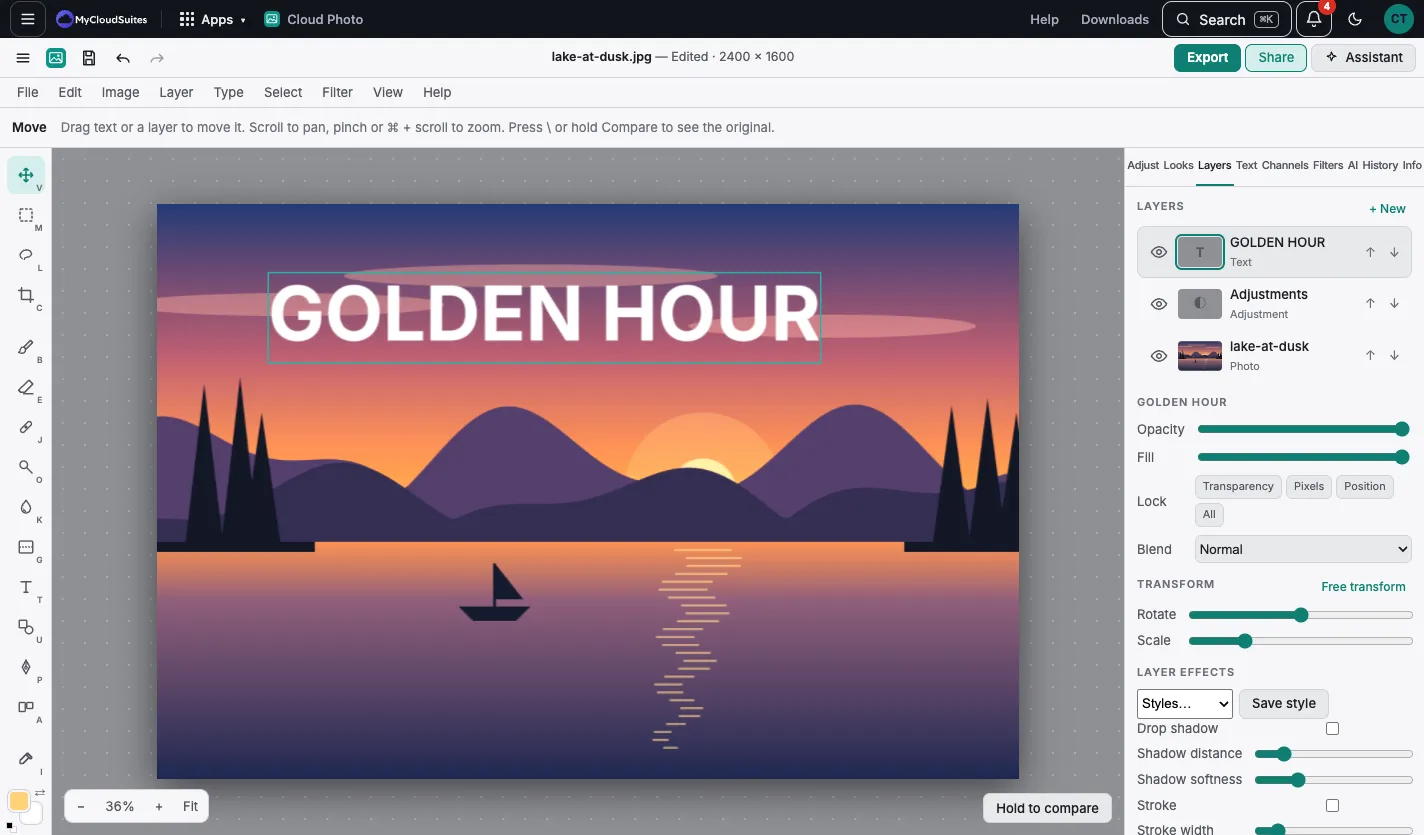
Styles
- Save style keeps the effects to use again.
- Styles puts a saved style on another layer.
- For text there are 12 one-tap styles: see Text styles.