

Choose your lost reasons
Updated November 15, 2026
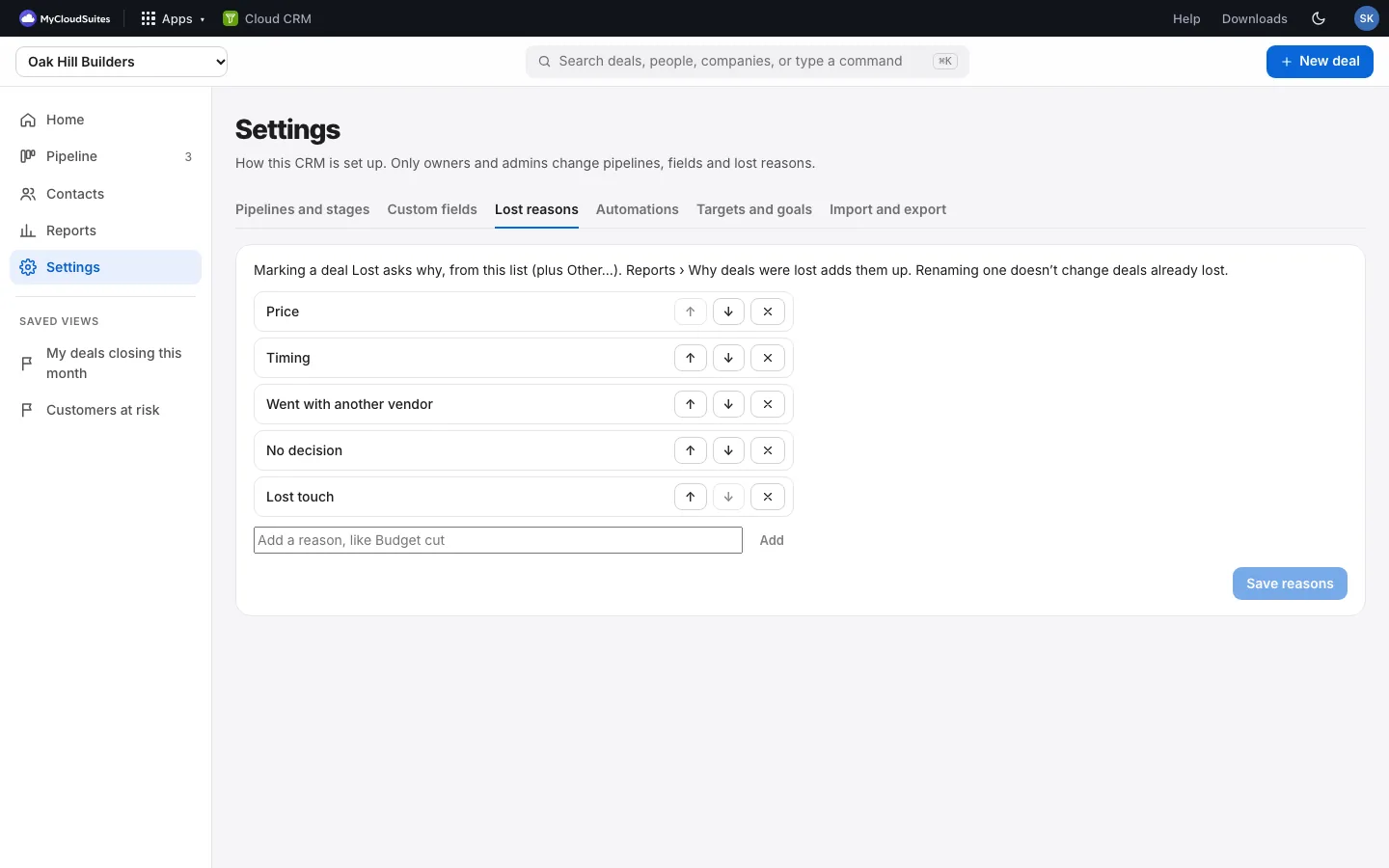
When someone marks a deal Lost, Cloud CRM asks why. Choose the reasons they pick from, so Reports › Why deals were lost shows what really costs you deals.
Change the reasons
- Choose Settings on the left (in the tabs along the bottom on a phone), then Lost reasons. Only owners and admins see this tab (and you, in your Personal CRM).
- Type a new reason and choose Add. Use the arrows to change the order, or × to remove one.
- Choose Save reasons.
Good to know
- New CRMs start with Price, Timing, Went with another vendor, No decision and Lost touch.
- Other… is always there too, for a reason that isn’t on the list.
- You can have up to 20 reasons. Renaming or removing one doesn’t change deals already lost.