

Dark mode and how Cloud Sheets looks
Updated November 13, 2026
- Choose View › Appearance from the menu.
- Pick Use System Setting, Light or Dark.
Online, the moon and sun button in the MyCloudSuites bar at the top switches too.
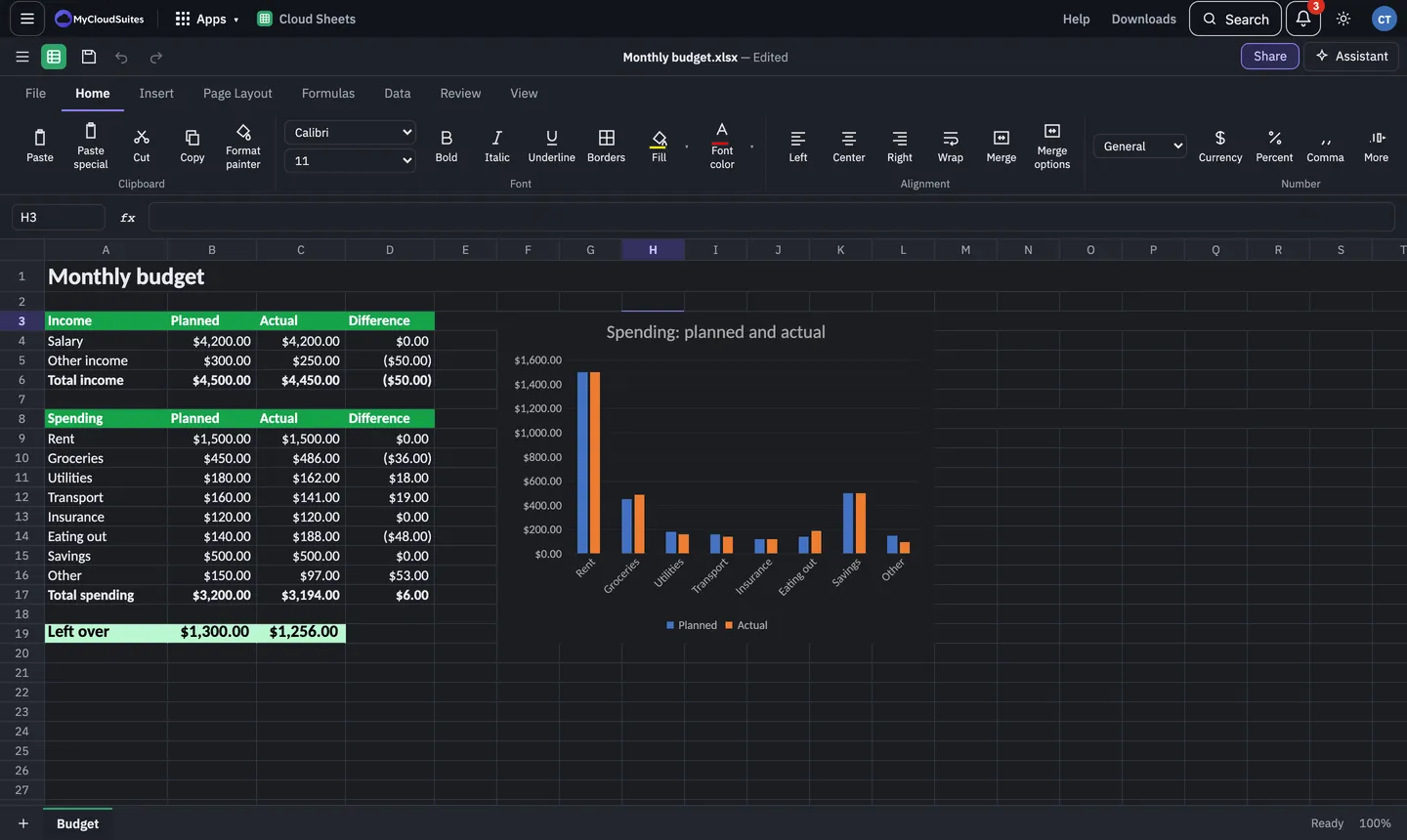
Dark mode changes how Cloud Sheets looks on screen only. Your cells’ own colours are kept, and the file prints and opens elsewhere as it always did.