

Reply in a thread
Updated November 13, 2026
A thread keeps the back-and-forth about one message beside the channel instead of in it.
Do it
- Point at a message (or tap it on a phone) and choose Reply in thread.
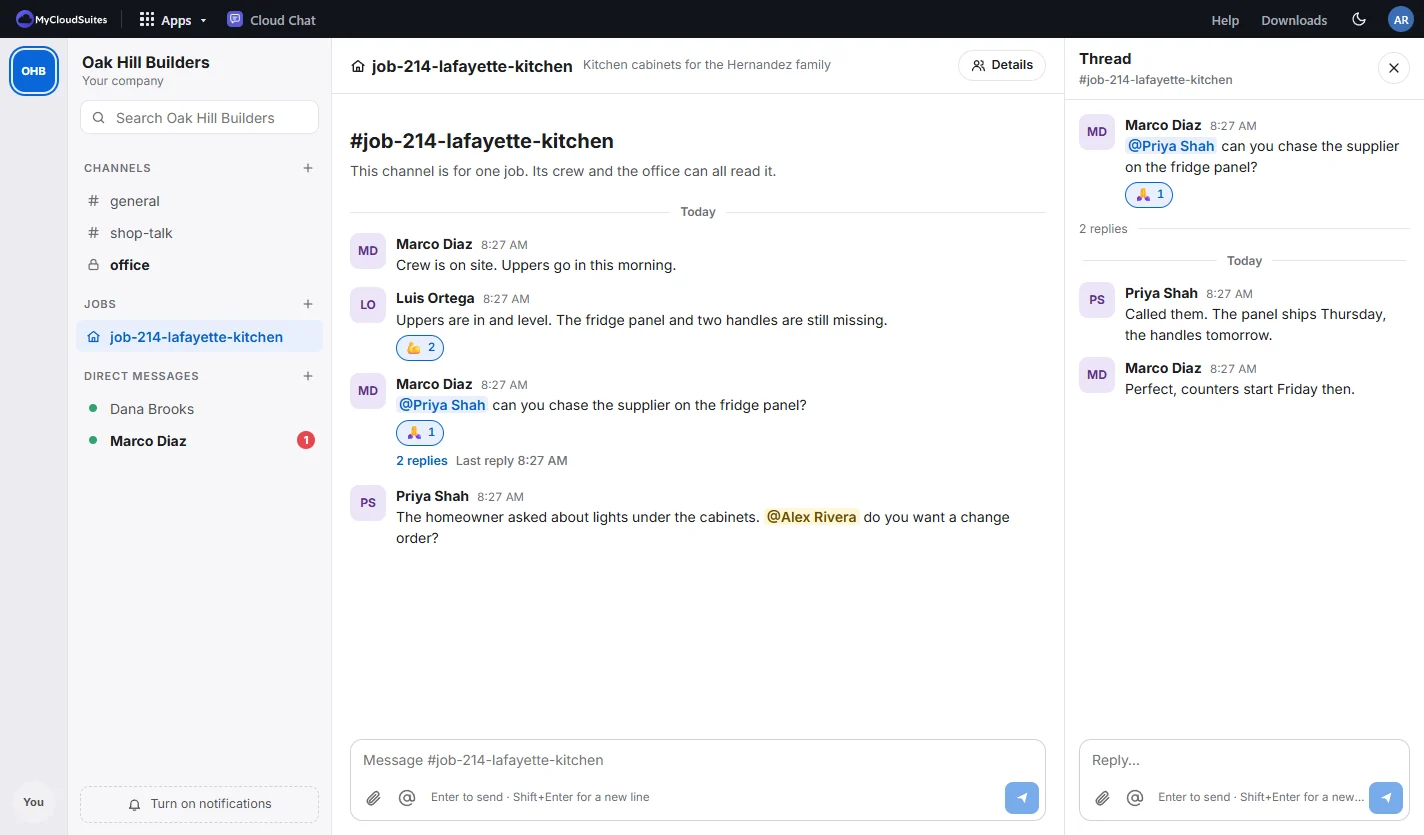
- The thread opens beside the channel. Write your reply and press Enter.
- The message in the channel shows how many replies it has. Choose that to open the thread again.
Tips
- Threads in the sidebar lists the threads you’re in that have new replies.
- Mentions in a thread notify like anywhere else.
- Close the thread with the X at its top.
Need more? Format, mention and react, or contact us.