

Send a direct message
Updated November 13, 2026
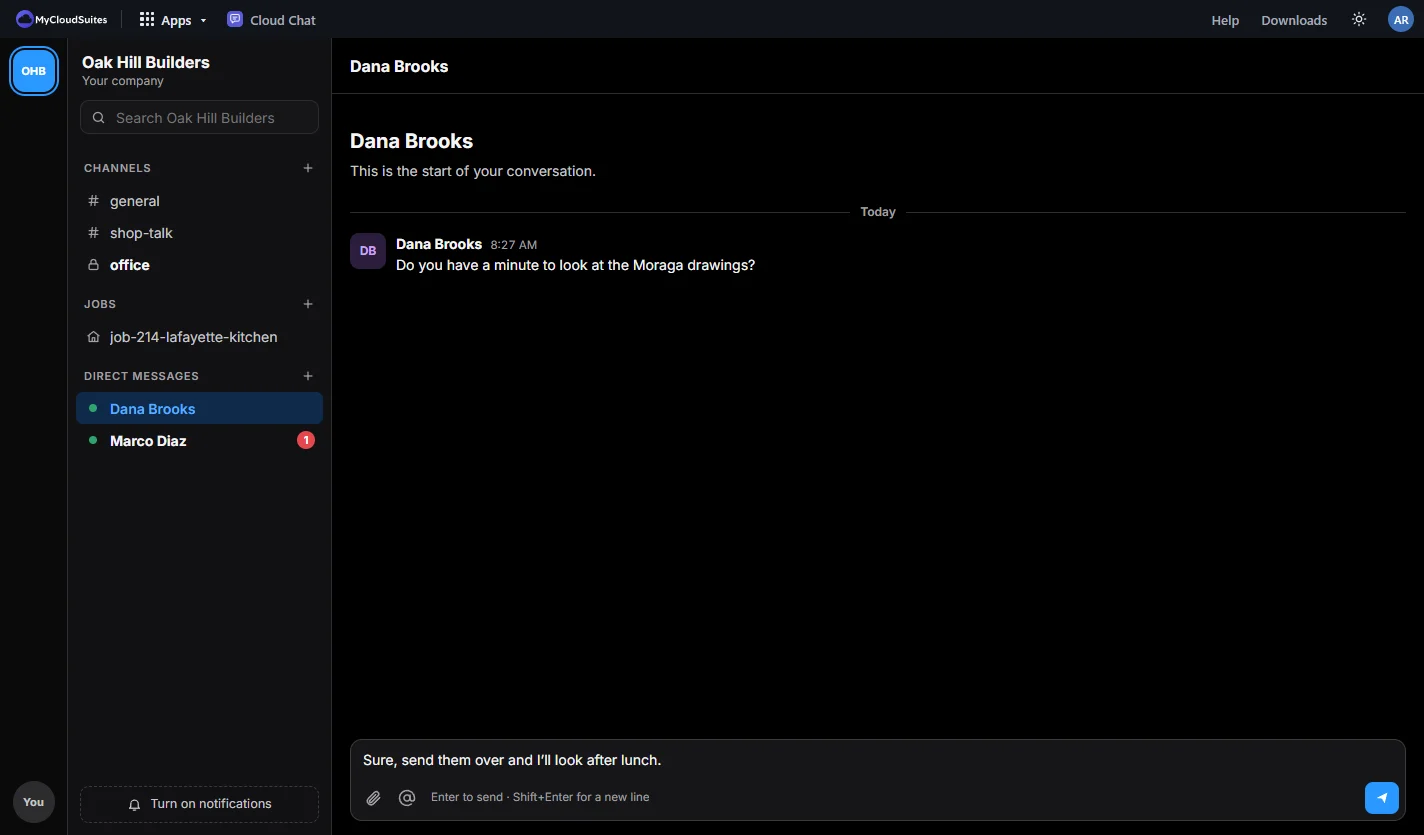
A direct message is a private conversation with one person or a small group (up to 9 people, you included).
Do it
- Choose + beside Direct messages (New direct message).
- Pick one or more people from your company.
- Write your message and press Enter.
Who can read it
Only the people in it. The company’s owners and admins can’t, and MyCloudSuites staff can’t either, unless someone reports a message to us.
Tips
- To talk with someone outside your company, use Personal and start the message with their email address. See Companies and Personal.
- If your company turns on read receipts, you see Seen once the others have read your message.
- What you were typing is kept as a draft if you switch away, in every conversation and thread.
Need more? Reply in a thread, or contact us.