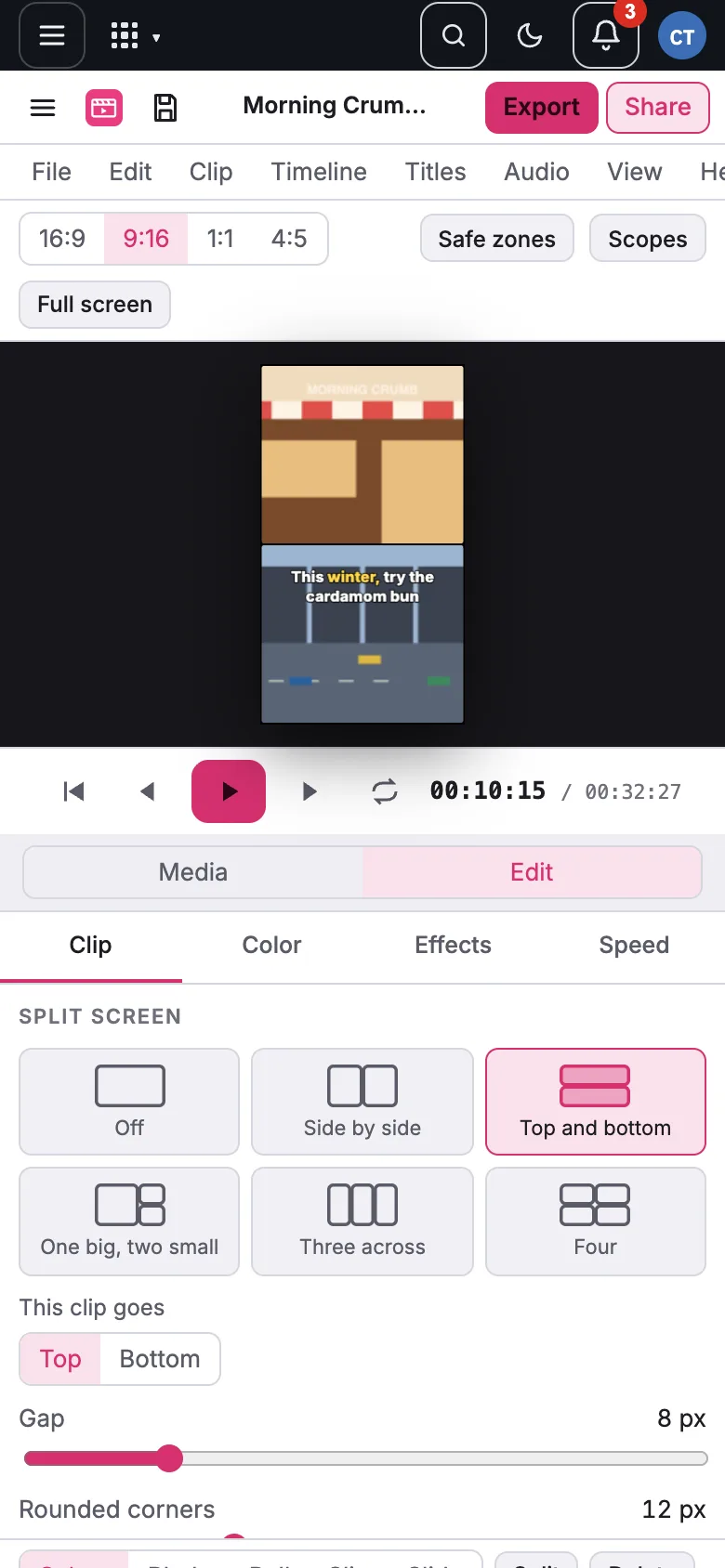
Edit on your phone
Updated November 13, 2026
Open mycloudsuites.com/apps/video/ in Safari or Chrome on your phone. Under the viewer, Media and Edit switch between the media list and the inspector. Tap a clip to select it, drag its edges to trim. Stickers, split screen, voice effects and everything else work on phones too.