Export your video
Updated November 13, 2026
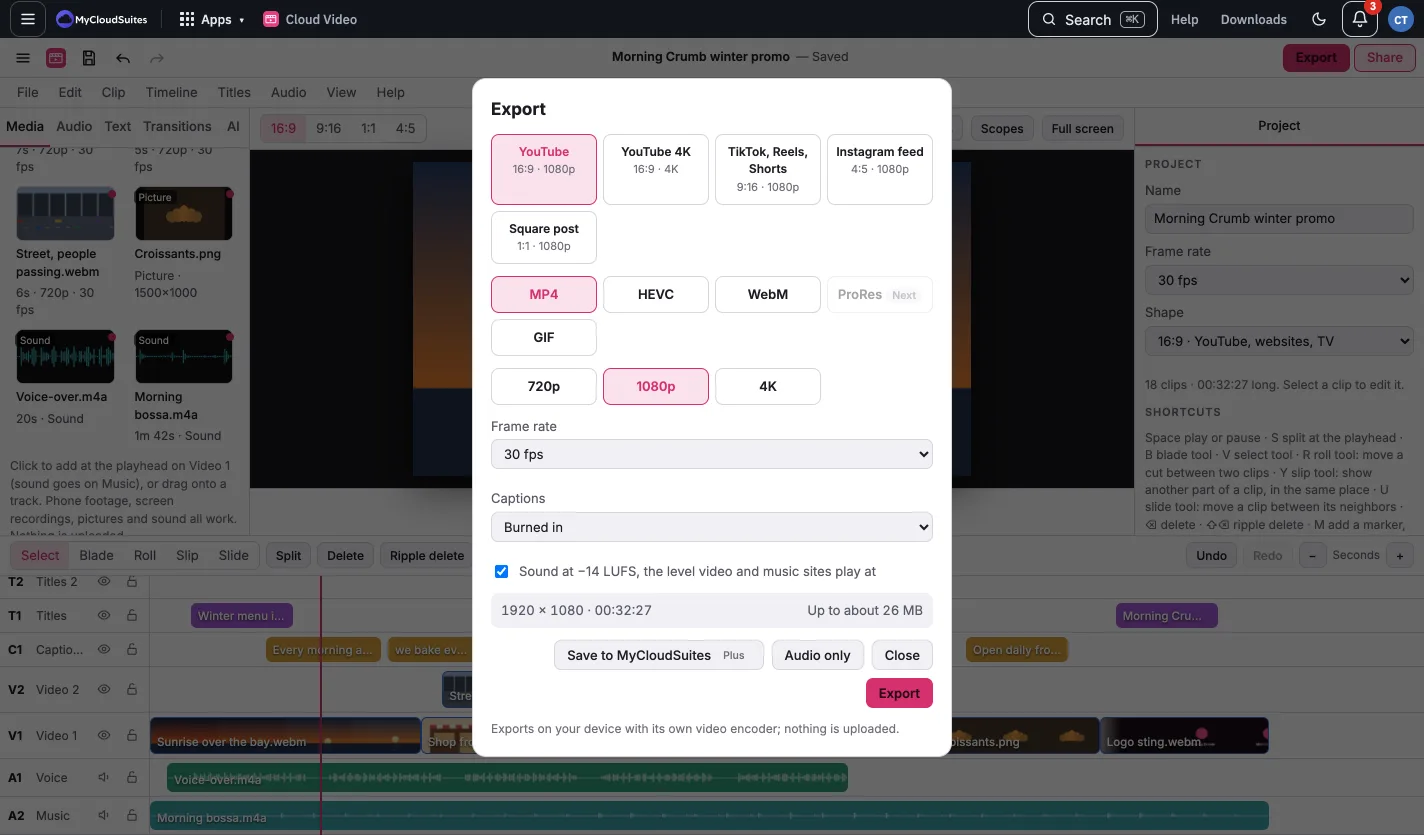
Click Export (⌘E). Choose:
- Format: MP4 (H.264), WebM, HEVC where your browser can make it, GIF, or sound only.
- Size: 720p, 1080p or 4K, or a preset for YouTube, TikTok or Reels.
- Sound at −14 LUFS evens out the loudness for video sites.
Exporting runs on your computer; nothing is uploaded. Click Keep editing to carry on while it exports; a chip by Export shows how far it’s got.