AI tools and credits
Updated November 18, 2026
Everything in Cloud Video is free except the tools that send sound or pictures to an AI model. Those use MyCloudSuites AI credits, and each one tells you its price and your balance before it runs. On a project in a company’s drive, it says the company pays instead, and what’s left of your allowance. When a tool finishes it says what it cost, for example “Captions translated into Spanish (1 credit)”. A request that fails isn’t charged.
| Tool | What it does | About what it costs |
|---|---|---|
| Auto captions | Timed captions from what’s said | 5 credits a minute of talk |
| Translate captions | Captions in 43 languages | 1 credit for 30 captions |
| Enhance voice | Takes out noise and echo | 8 credits to start, then 40 a minute, up to 3 minutes |
| Text to voice-over | A script read in one of 9 voices | 21 credits for 1,000 letters |
| Remove background | Cuts out a person or thing | Pictures from 1 credit; video 79 credits a minute, up to 60 seconds |
| Find highlights | The best moments for a 15-second cut | about 2 credits for 2 minutes of talk |
| Smart reframe | Follows the subject into a new shape | 2 credits for a 30-second clip |
| Remove silences | Cuts the pauses | Free, on your computer |
Prices are from November 2026. The app always shows the current price, and your balance, before anything runs.
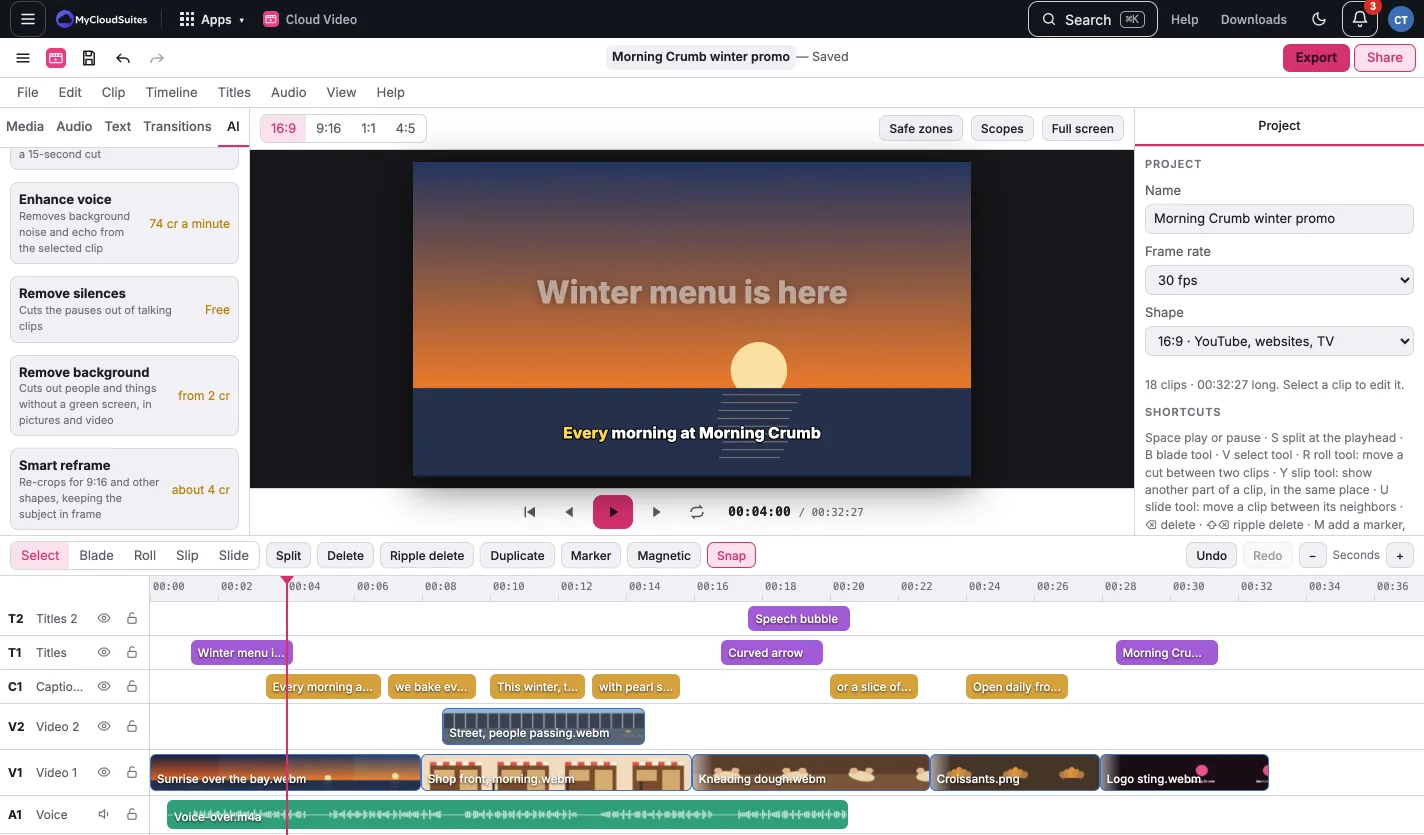
All of these are in the AI tab of the media list, which shows your balance at the top or, on a company project, which company pays.