Keyboard shortcuts
Updated November 15, 2026
On Windows, use Ctrl for ⌘ and Alt for ⌥. Help › Keyboard shortcuts shows every shortcut in the app.
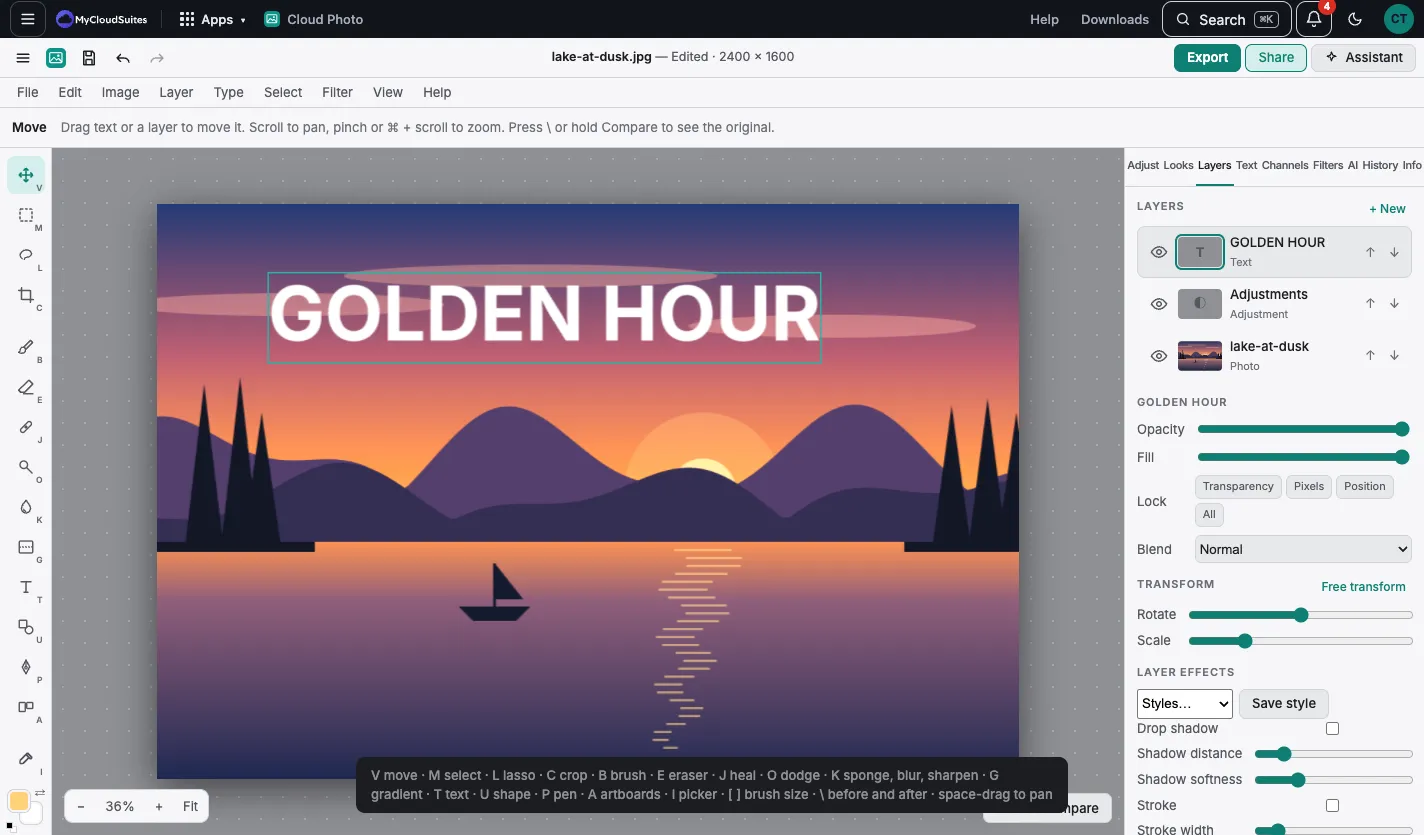
| Key |
Tool |
| V |
Move |
| M |
Select |
| L |
Lasso |
| C |
Crop |
| B |
Brush |
| E |
Eraser |
| J |
Heal and clone |
| O |
Dodge and burn |
| K |
Sponge, blur, sharpen |
| G |
Gradient |
| T |
Text |
| U |
Shape |
| P |
Pen |
| A |
Artboards |
| I |
Color picker |
| W |
Magic wand, quick select |
| Q |
Quick mask |
| [ and ] |
Brush size |
| \ |
Before and after |
| Space, then drag |
Move around |
Files
| Shortcut |
Command |
| ⌘N |
New canvas |
| ⌘O |
Open |
| ⌘S |
Save to MyCloudSuites |
| ⇧⌘S |
Save a copy to MyCloudSuites |
| ⇧⌘E |
Export |
| F12 |
Revert |
Edit
| Shortcut |
Command |
| ⌘Z, ⇧⌘Z |
Undo, redo |
| ⌘X, ⌘C, ⌘V |
Cut, copy, paste |
| ⇧⌘C |
Copy merged |
| ⌥⇧⌘C |
Copy edits |
| ⌥⇧⌘V |
Paste edits |
| ⇧F5 |
Fill › Content-aware |
| ⇧⌫ |
Fill › Color |
| ⌘T |
Free transform |
Image and layers
| Shortcut |
Command |
| ⌘M |
Curves and levels |
| ⌘U |
Hue and saturation by color |
| ⌘B |
Color balance |
| ⇧⌘L |
Auto fix |
| ⌥⌘I |
Image size |
| ⌥⌘C |
Canvas size |
| ⇧⌘N |
New layer |
| ⌘J |
Duplicate |
| ⇧⌘J |
Layer via cut |
| ⌘G, ⇧⌘G |
Group, ungroup |
| ⌥⌘G |
Clip to layer below |
| ⌘E |
Merge down |
Select and view
| Shortcut |
Command |
| ⌘A |
Select all |
| ⌘D |
Deselect |
| ⇧⌘I |
Invert the selection |
| ⌥⌘R |
Refine edge |
| ⇧⌘X |
Liquify |
| ⌘+, ⌘− |
Zoom in, out |
| ⌘0 |
Fit on screen |
| ⌘R |
Rulers, guides, grid |
| ⌘, |
Settings |
Was this article helpful?

