

AI tools and their prices
Updated November 17, 2026
The AI tools are in the AI tab (or Assistant at the top). They use AI credits, and each one shows its price before you use it. Every other tool in Cloud Photo is free.
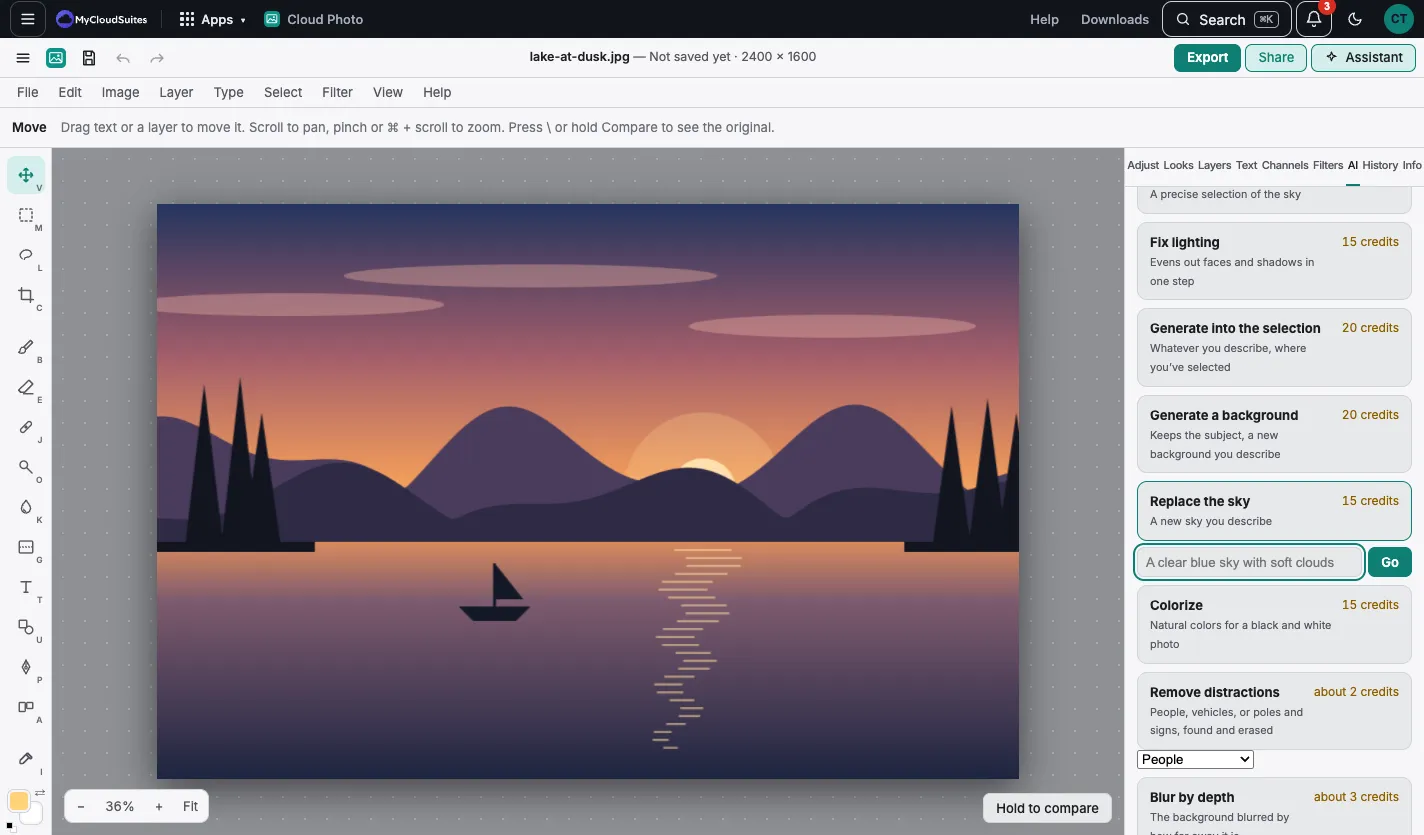
Prices
| Tool | Credits |
|---|---|
| Remove background | about 1 |
| Erase an object | about 1 |
| Remove brush | about 1 |
| Select an object, Select subject | about 1 |
| Blur by depth | about 1 |
| Select sky | about 2 |
| Remove distractions (two steps) | about 3 |
| Upscale 2× | about 3 |
| Make an image | about 3 |
| Fix lighting | 15 |
| Colorize | 15 |
| Replace the sky | 15 |
| Repair scratches | 15 |
| Expand the picture | 20 |
| Generate into the selection | 20 |
| Generate a background (two steps) | about 21 |
“About” means the price depends on how long the model works on your photo. You’re never charged for a request that fails.
A two-step tool runs two AI models one after the other: Remove distractions finds them, then erases them, and Generate a background cuts out the subject, then makes the new background. It needs enough credits for both steps before it starts, or nothing runs.
A picture in a company drive uses the company’s credits, not yours. The AI tab says so when it does.
How it works
The AI tools send the picture (and the selection or mask they need) to an AI model through MyCloudSuites, and put the result on a layer. See Privacy for what’s sent.