

Your company's own emoji
Updated November 13, 2026
Add your logo, your trucks or your crew’s jokes as emoji.
Add one
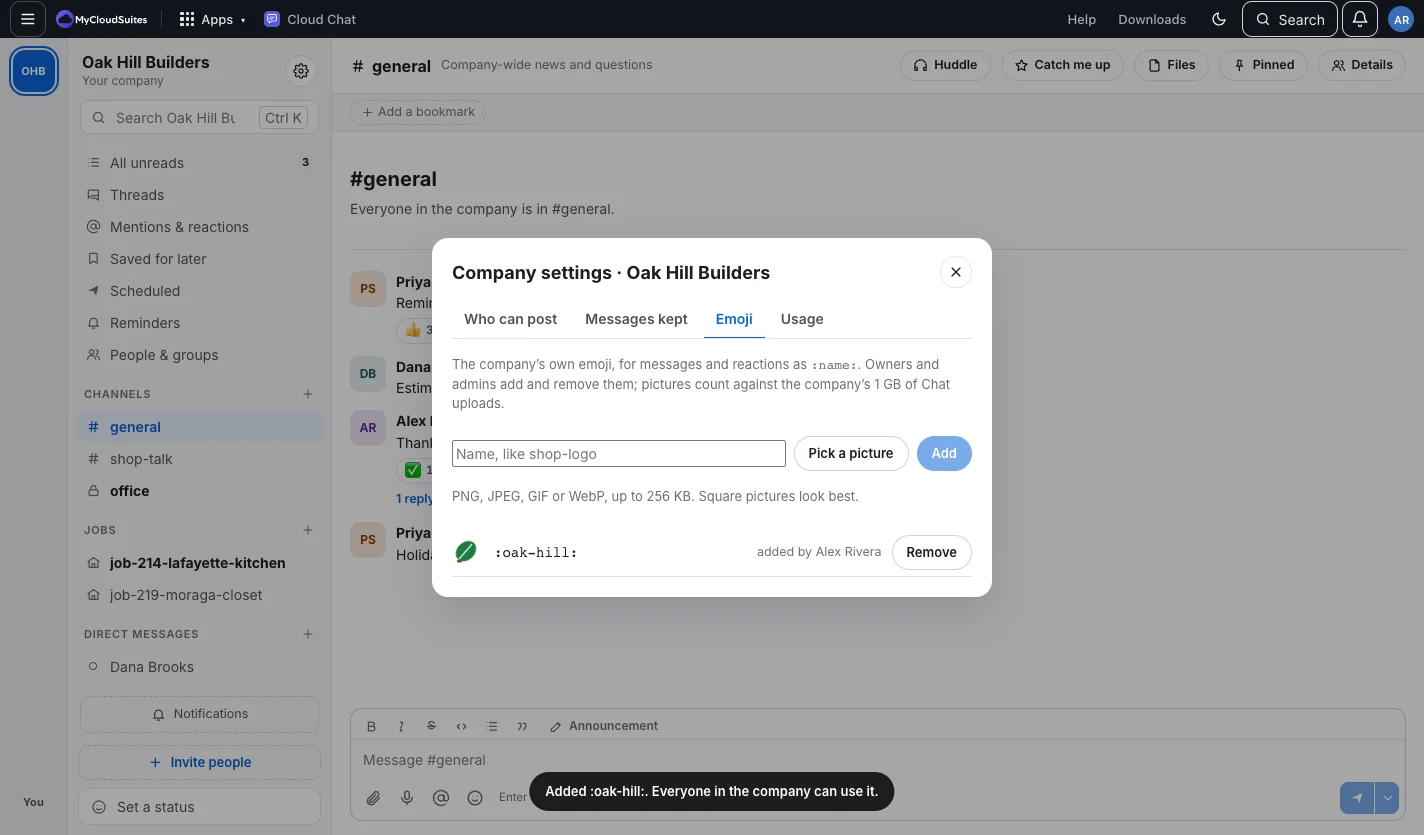
- Open Company settings and choose Emoji.
- Type a name (lowercase letters, numbers, dashes and underscores, 2 to 32 characters).
- Pick a picture: PNG, JPEG, GIF or WebP, up to 256 KB. Square works best.
- Choose Add.
Use one
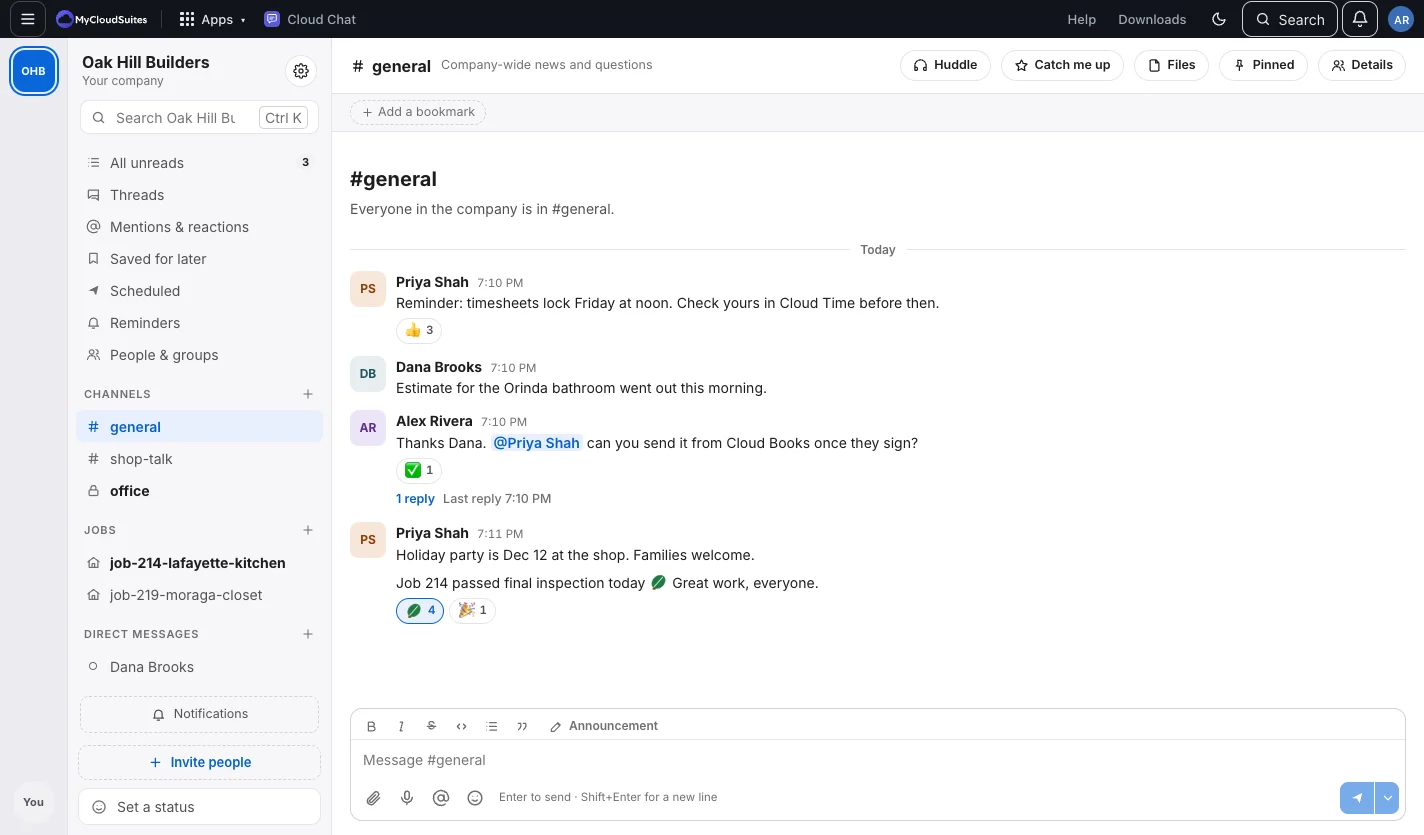
Type :name: in a message, or pick it under This company in the emoji picker. It works for reactions too.
Good to know
- Up to 300 per company. Their pictures count toward the company’s Chat storage.
- Choose Remove beside one to take it away. Messages that used it show its name instead.
Need more? Company settings, or contact us.