

All unreads
Updated November 13, 2026
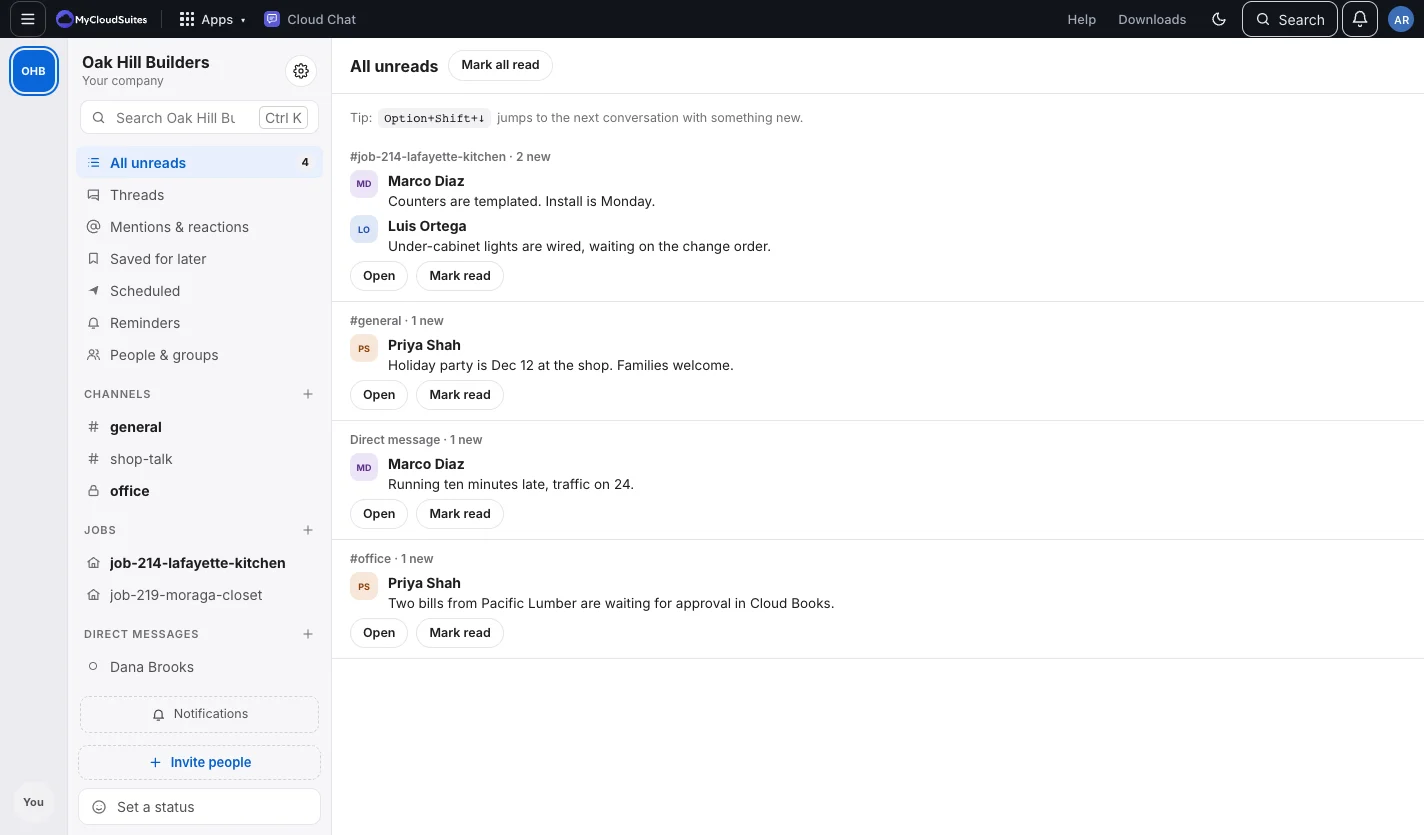
All unreads at the top of the sidebar lists what’s new in each conversation, with a count of how many conversations have something waiting.
Do it
- Choose All unreads.
- For each conversation, choose Open to read it there, or Mark read.
- Mark all read at the top clears them all.
Tips
- Alt+Shift+Down (Option+Shift+Down on a Mac) jumps to the next conversation with something new, and Alt+Shift+Up to the previous one.
- Mentions & reactions in the sidebar lists where people mentioned you or reacted to your messages.
- Mark unread in a message’s More menu brings a conversation back here.
Need more? Catch me up sums up a busy channel for you.